How to Animate SVG Files Online
Animating SVG files does not have to be complicated.
With the Online SVG Animator can easily turn static vectors into motion graphics.
This means you can movement to logos, icons, buttons, illustrations without writing code or using desktop tool.
You simply upload your SVG and choose the elements you want to animate.
This tool helps you create lightweight SVG animations that load fast on websites, because animated SVG stays as an SVG files, with animation data added to it.
That is the new way to animate SVGs.
Simple, online, instant and built for real projects.
Animate SVG Files Online ✅
With the Animate SVG tool, you work directly in your browser, without installing anything or touching a single line of code.
You can try it here 👉 https://svg.design/animate/
The idea is straightforward.
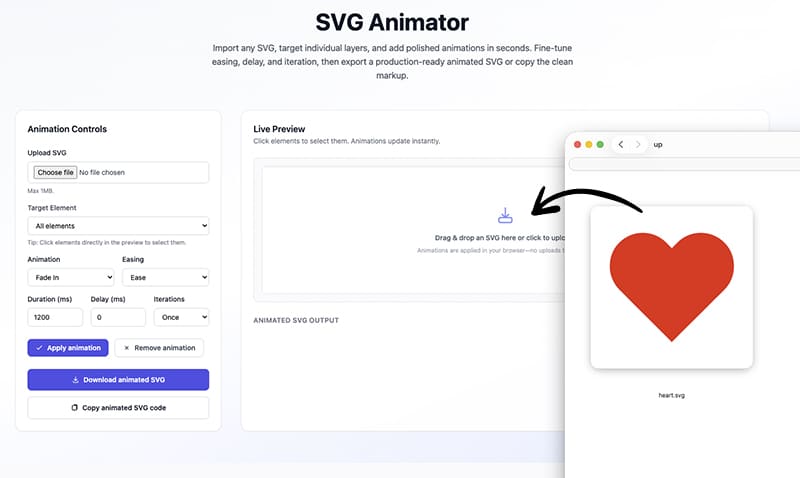
You upload your SVG, choose what should animate, tweak a few settings, and download your animated SVG ready to use.
How the SVG Animator Works 👇🏼
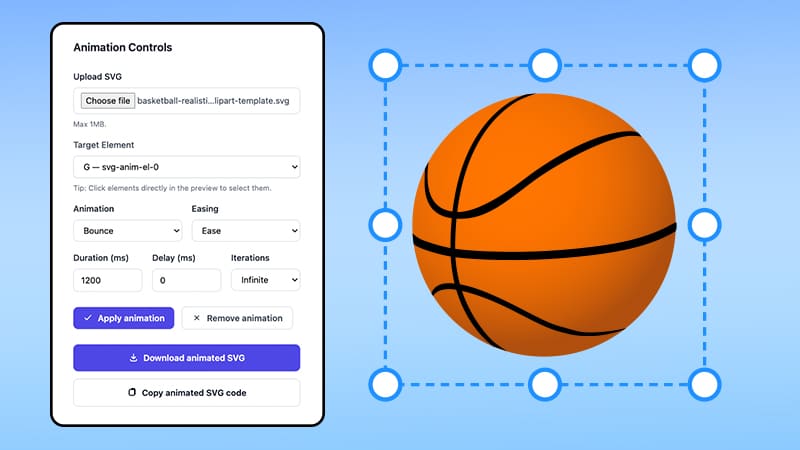
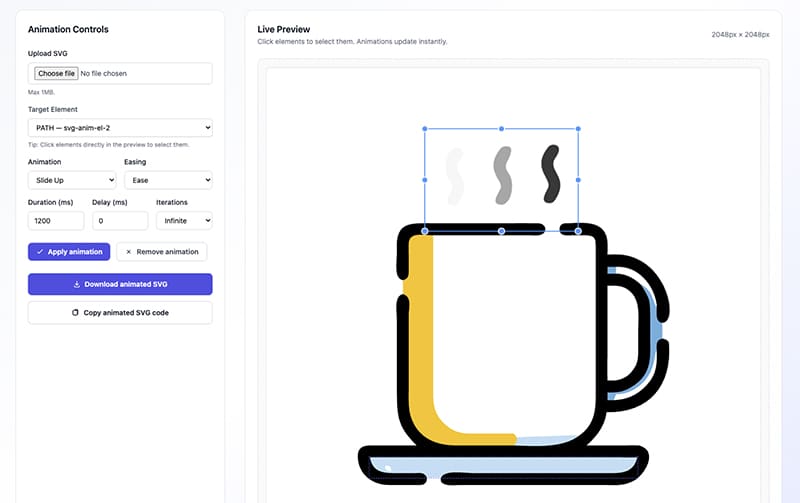
First, you upload your SVG file by dragging it into the editor or clicking to select it from your device.
Right away, you see a live preview, so you always know what your file looks like before and after changes.
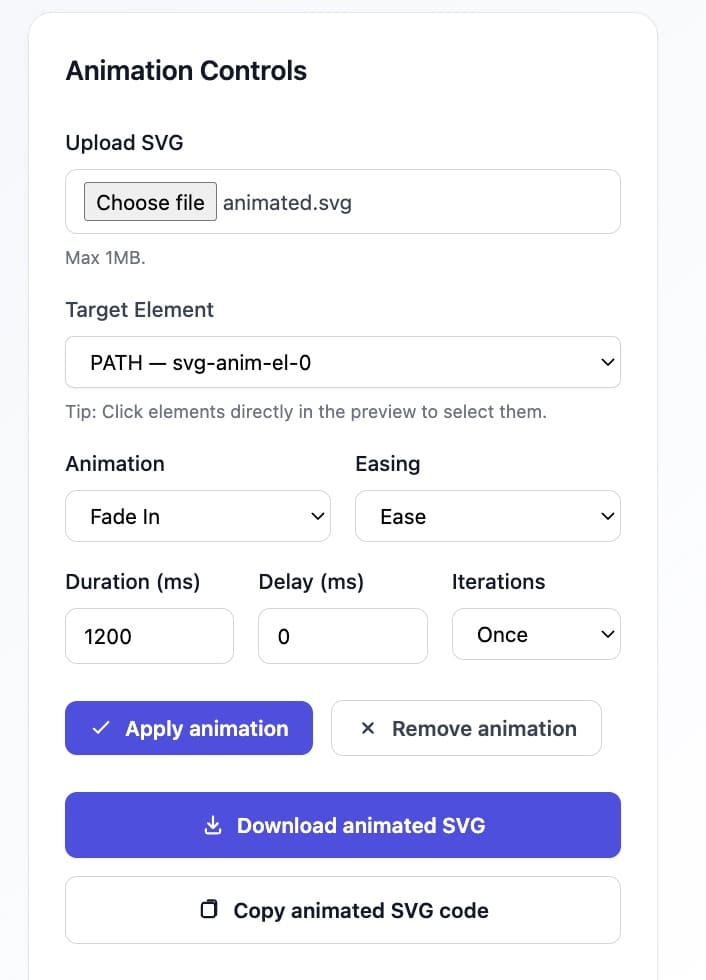
Next, you can click individual elements inside the SVG to animate just those parts, or select all elements if you want the whole graphic to move together.
After that, you pick an animation style like fade in, slide, or scale, depending on the effect you want to achieve.
Then you fine-tune the motion by adjusting duration, delay, easing, and how many times the animation should repeat.
Once everything looks right, you apply the animation and instantly download the animated SVG file.
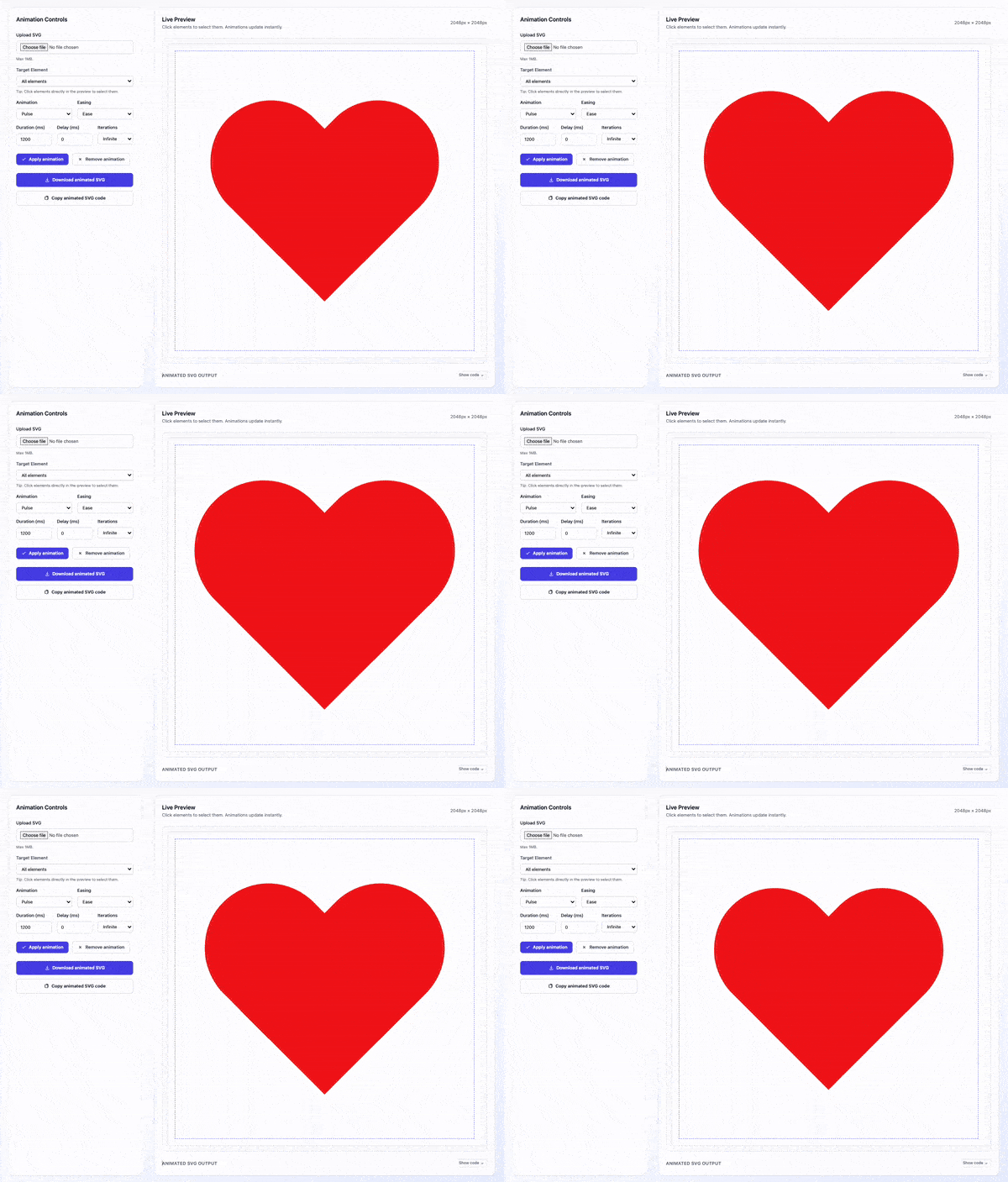
You animated SVG stays clean, lightweight, and fully vector.
Why Should I Animated SVG Files?
Motion changes how people experience your design.
It helps to highlight important actions, and make pages feel more alive and intuitive.
A static icon just sits there, but an animated one invites interaction and curiosity.
The same goes for logos, illustrations, and also presentations.
Even a small bit of smooth movement can turn a simple graphic into something memorable.
And because SVGs stay vector-based, your animations remain sharp at any size, without adding heavy video or GIF files.
That is why SVG animation is such a powerful tool in modern design.
Real-World Use Cases 👍
The Animate SVG tool fits naturally into many creative workflows.
🚀 Landing pages
You can animate illustrations, icons and vector arrows to guide visitors and make your page feel more dynamic from the first second.
🎨 Logos and branding
Even a small animated logo element can add personality to your brand and instantly make it feel more modern and alive.
NB: Instead of a simple flat animation, you can also turn any SVG into a 3D animated model.
📊 UI and dashboards
Use motions for buttons, loaders and indicators so users understand what is happening without reading a single word.
📱 Apps and onboarding
Animations help explain steps, show progress, and make onboarding flows feel smoother and more intuitive.
🖼️ Hero graphics and illustrations
Bring static drawings to life while keeping SVG lightweight and optimized.
Wherever you already use SVGs, animation can make them work harder for you.
Go From Static to Animated in Seconds ✅
Not long ago, animating meant digging into SVG code or mastering Adobe Afters Effects.
Now, it takes just a few clicks in your browser.
Upload your SVG, select elements and add animations.

About the Author
I'm a vector artist and 3D designer and the founder of SVG.design. I love creating beautiful visuals and sharing what I've learned about design, productivity, and creativity with fellow artists and makers.