Convert SVG to 3D Model Online
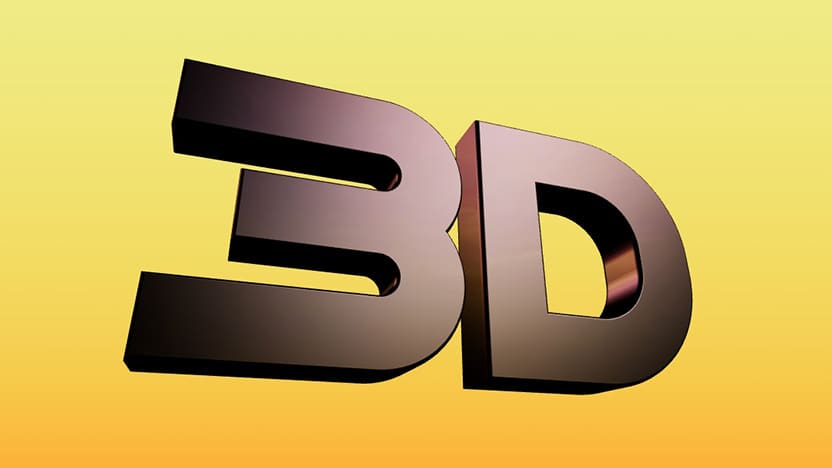
Turning a simple SVG into a 3D model can be a complicated process...
You have to import the file into a 3D software, fix broken paths, adjust extrusion settings manually, and hope the final mesh didn’t fall apart.
But now there’s a far easier way.
With the SVG to 3D Model Tool, you can take any SVG and instantly transform it into a clean 3D object right in your browser.
Just upload and watch your flat SVG shape become real 3D geometry in real time.
How to Turn SVG into 3D 👇🏼
Start by uploading or dropping your SVG to svg.design/3d
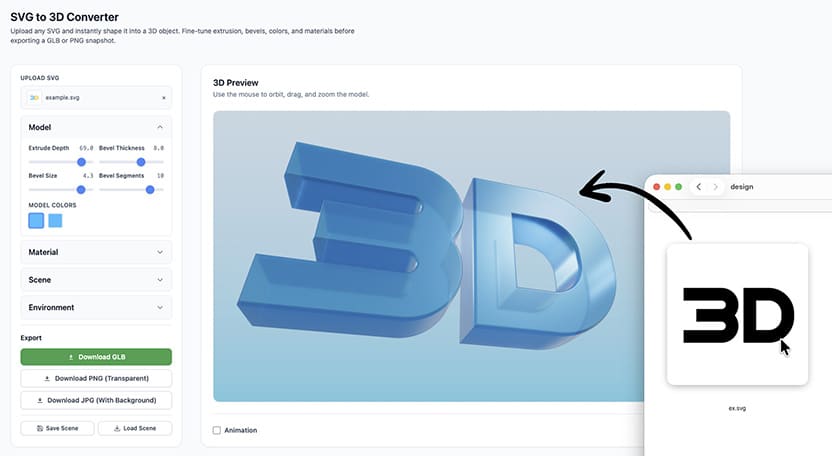
The tool automatically extrudes the shapes, builds thickness and creates a fully rendered 3D model within a second.
Everything is generated in real time, so you see and tweak your model immediately.
From there, you can customize almost every part of the object.
Adjust the depth to make it thin or chunky.
Increase or decrease 3D thickness.
Add bevels for smooth edges or crisp contours.
And the best part is that each individual SVG shape can have its own material and color.
This gives you full creative control without needing 3D modeling experience.
3D Design Made Simple 👩🏼🎨
Once your model looks the way you want, you can also shape the environment around it.
Choose background colors, adjust lighting effects, and switch between different scene styles to get the perfect look.
The interface is designed to be visual and intuitive, so you can focus on creativity instead of settings.
Whether you want a glossy, dramatic render or a soft, minimal scene, the tool makes it surprisingly easy.
You Can Animate Your 3D SVG 📹
One of the most powerful features of the SVG to 3D converter is animation.
SVG animations are already popular, however 3D animations bring them to another level.
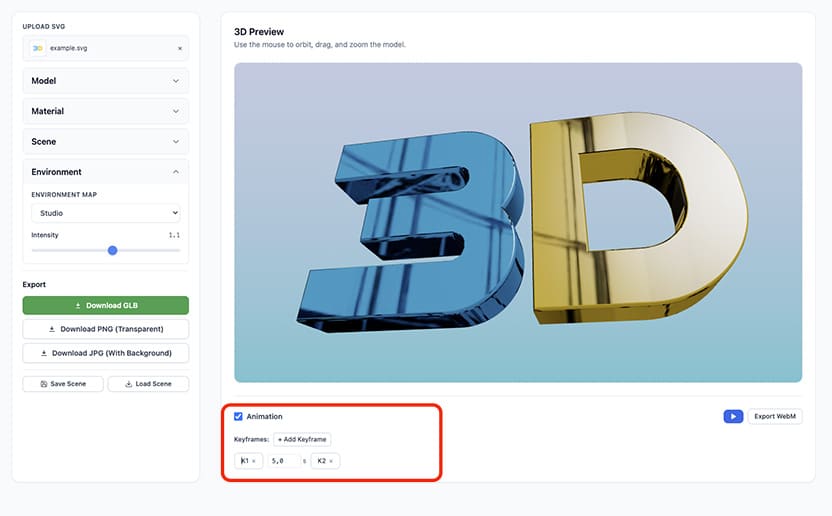
You can add keyframes and rotate, tilt or zoom your design with just a few clicks.
Every motion is smooth and you can customize the duration between each keyframe.
This is perfect for logo preview animations or video intros.
Download in Multiple Formats ⬇️
After customizing your 3D model and building your animation, you can also download everything.
This includes:
- 3D file in popular GLB format.
- Static renders saved as JPG or PNG images.
- Animated scenes in video format
- Scene presets to save lightning and materials for later reuse.
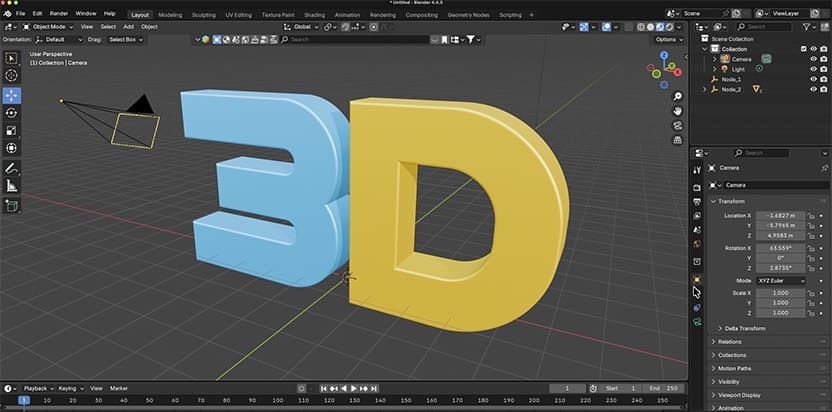
Your exported files are ready to use in design projects, video editors, presentations, or any creative 3D workflow tools such as Blender.
Why This Tool Changes Everything ⚙️
Most 3D tools require a learning curve, heavy software installs.
But with svg.design/3d you skip all of that.
You go straight from flat vector to customizable 3D without dealing with complex steps.
It’s fast and powerful.
And it completely redefines what you can do with a simple SVG.
Download These Free 3D Presets:
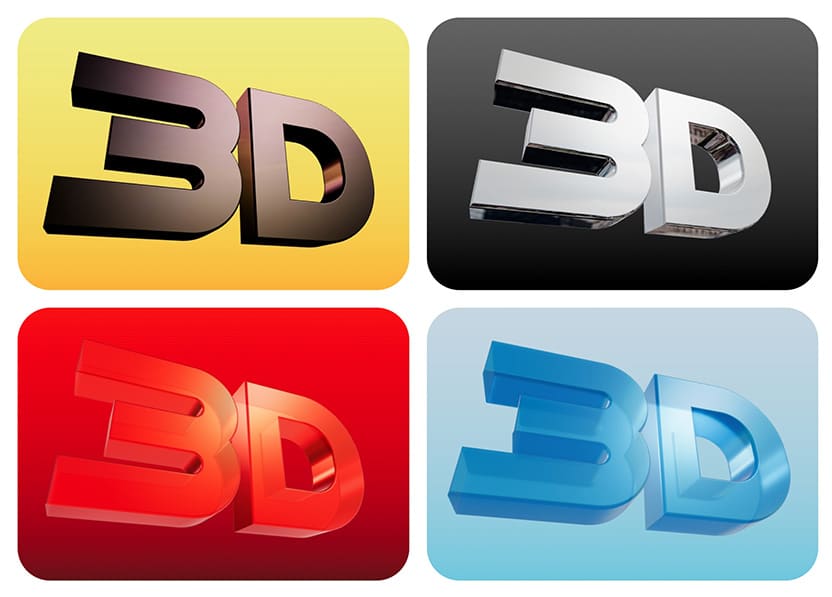
You can also take your 3D workflow even further with these free color and material presets.
These presets come as simple JSON files that you can download and import directly into your model.
They instantly apply custom depth, bevel, colors, lighting, and scene settings.
This saves you time and giving you a polished 3D look with zero manual tweaking.

Because Your SVG Deserves a Z-Axis Too ✨
Turning an SVG into a 3D model has always been harder than it should be.
And if you’re not a 3D expert, the process becomes frustrating fast.
That’s exactly why the SVG → 3D converter feels like a breakthrough.
You upload your SVG, and it instantly becomes a clean 3D model you can tweak.
And the use cases are huge.
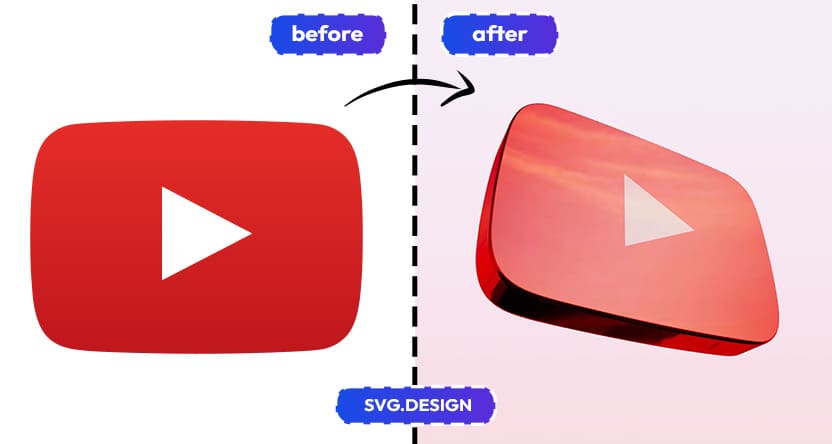
You can create 3D logos for branding, titles for video projects, decorative shapes for 3D printing, or eye-catching graphics for social media.
This tool fixes the messy, outdated workflow and replaces it with something fast, fun, and powerful.
Your 2D vectors finally get the 3D upgrade they deserve.

About the Author
I'm a vector artist and 3D designer and the founder of SVG.design. I love creating beautiful visuals and sharing what I've learned about design, productivity, and creativity with fellow artists and makers.