How to Recolor SVG Online
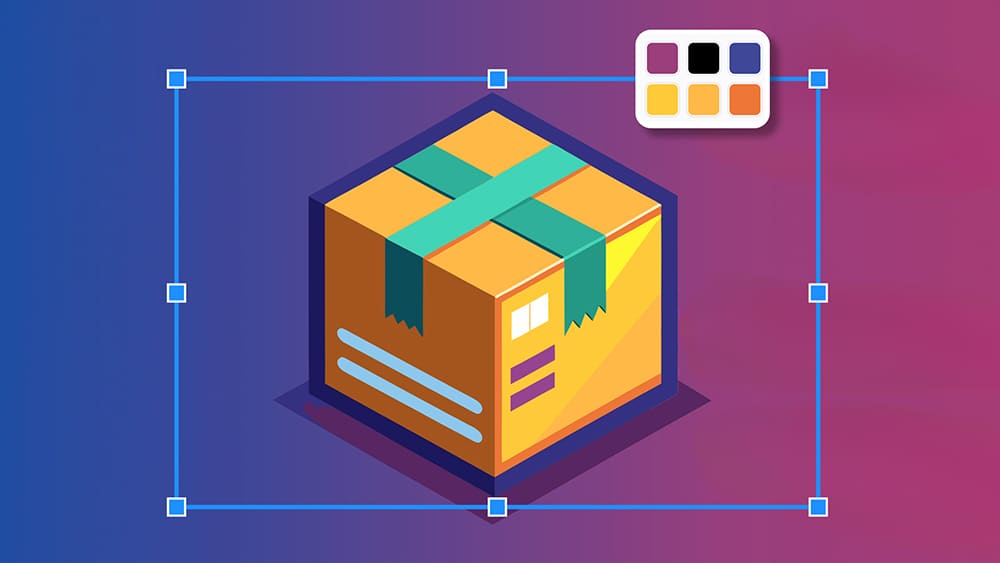
Let’s be honest, recoloring an SVG file should be simple as a click...
yet it often turns into a tiny vector nightmare 🤦♂️
You download a file, open it somewhere, but suddenly it feels like defusing a bomb.
And trust me, you’re not the only one struggling with this.
More than half of designers say they waste way too much time on basic edits like swapping colors.
Meanwhile, non-designers just want a quick color change without being sucked into a 20 minute YouTube tutorial just to skip ads.
So if you’ve ever looked at an SVG and wondered why it refuses to be the color you want, you’re in the right place.
I'll show you the easiest way to recolor an SVG online so you can finally move on with your life.
How the Process Works 👇🏼
First, head to svg.design/editor because it opens instantly and doesn’t require installing anything.
Then drop your SVG and you’ll see it appear on the canvas instantly.
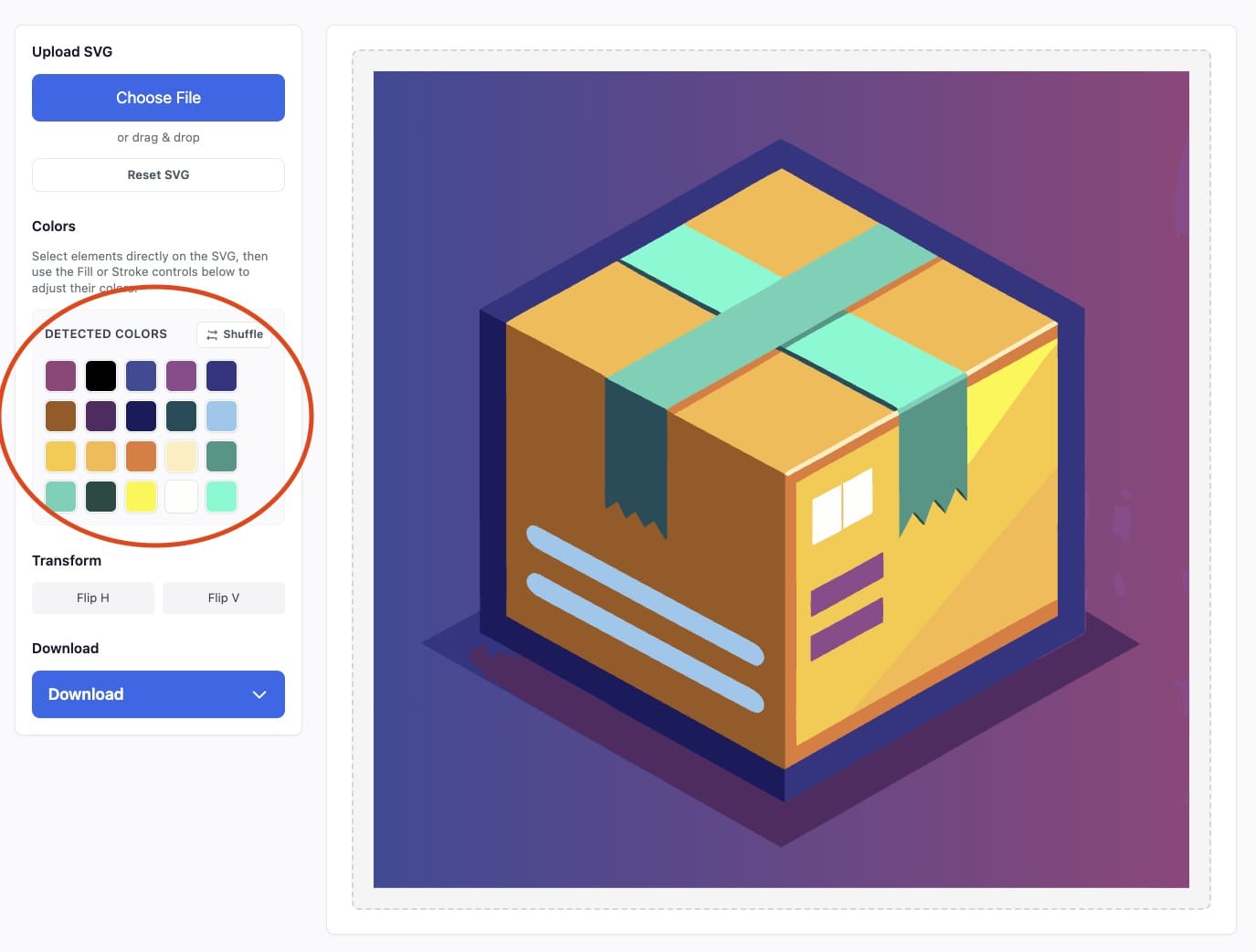 Try hitting the Shuffle.
This button instantly changes the whole SVG’s palette, and it’s surprisingly fun to click...
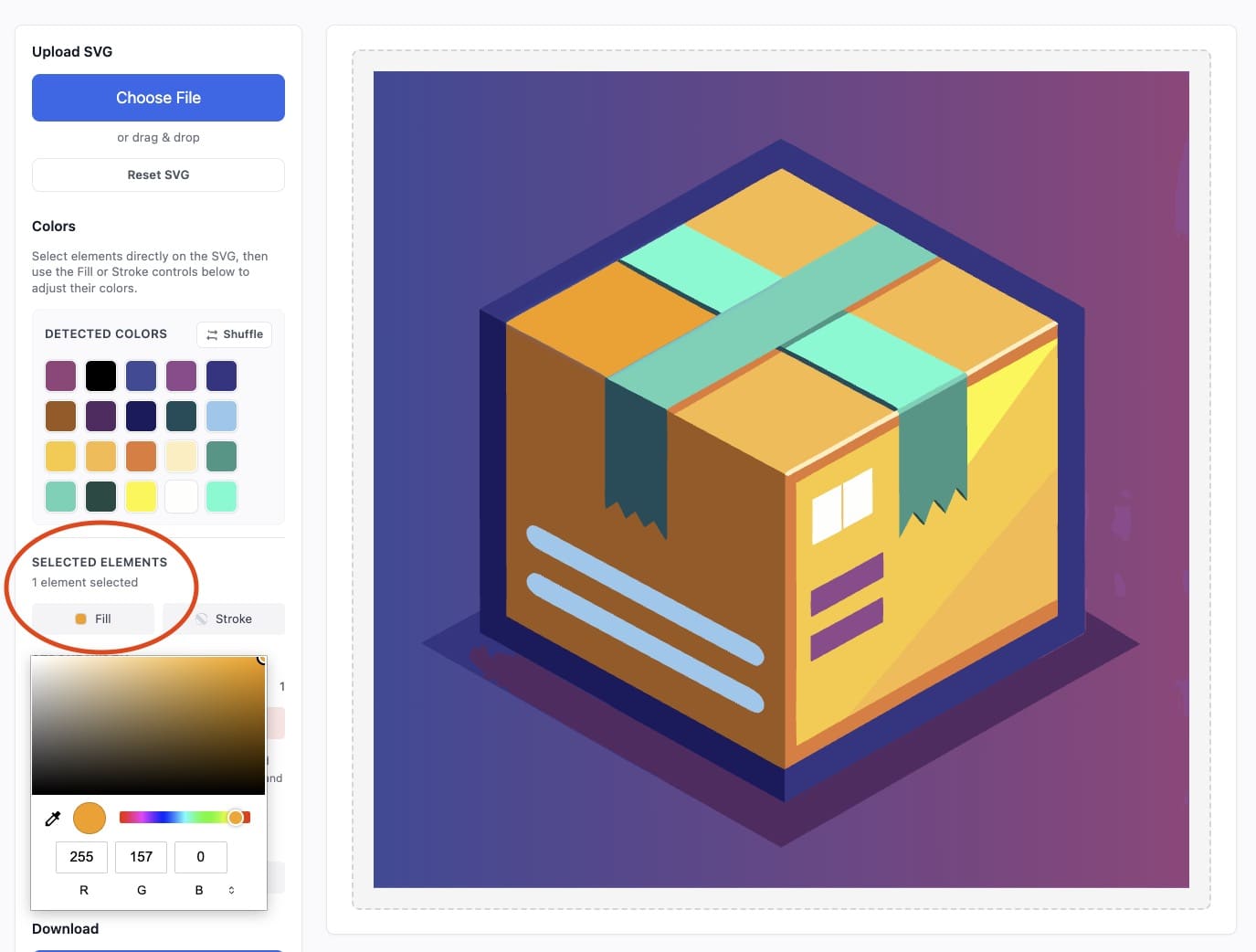
But if you want more control, just can simply select any element inside the SVG.
Then choose a new fill or stroke color from the sidebar.
You can also move elements, resize them or delete parts of the SVG you don’t need.
 Everything is drag-and-drop friendly and which makes the whole process feel much easier than you expect.
Why svg.design Beats Illustrator, Freelancers, and other overkill tools 📣
Illustrator wants you to learn the entire tool (and pay $20/month) before you can make one small change.
The svg.design editor lets you jump straight into editing without thinking.
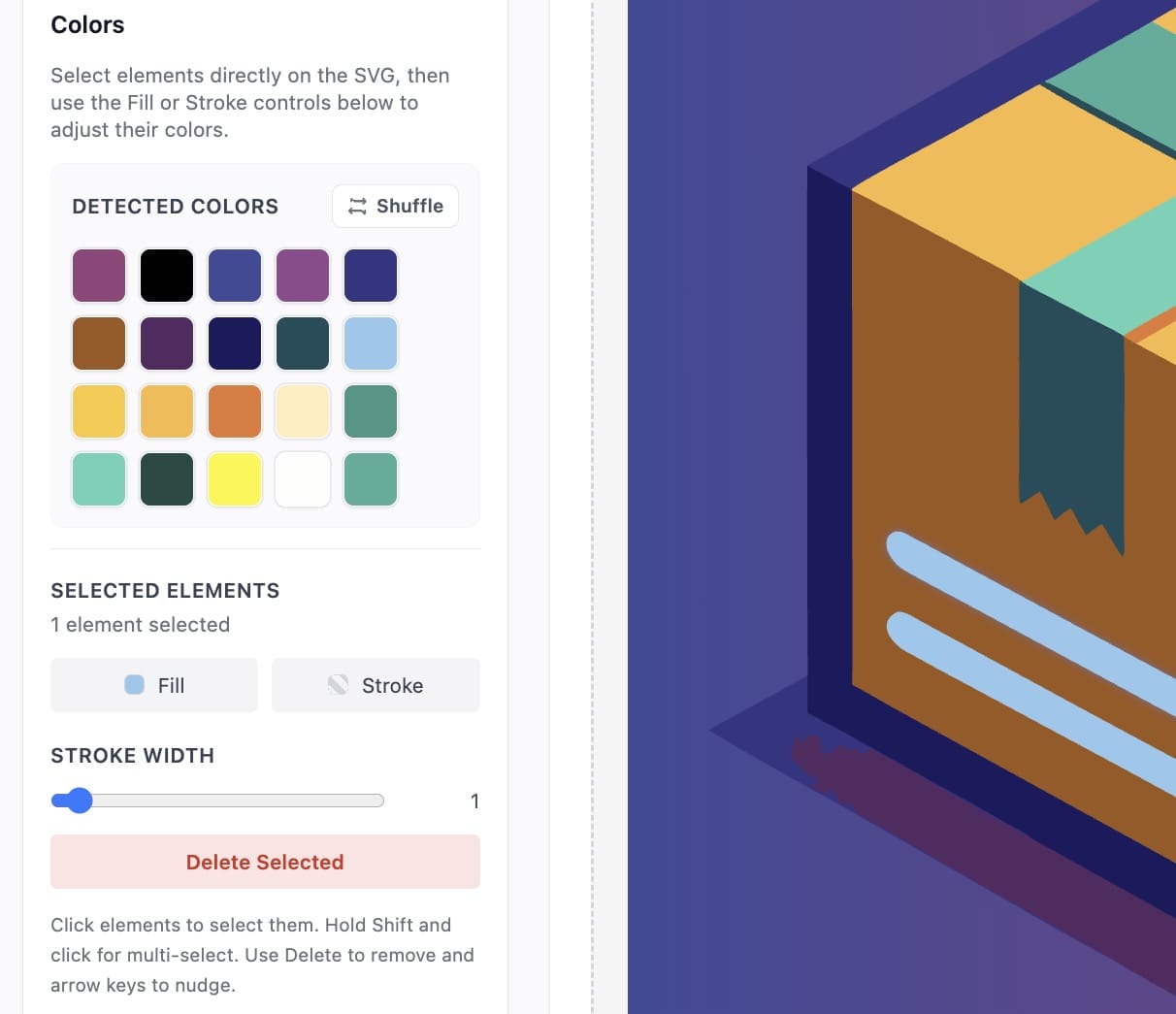 Everything is visual and updates instantly.
There are no confusing panels and no hidden features and no giant workspace full of buttons you don’t need.
Since it runs online, you can use it on any computer or smartphone without installing anything.
It’s perfect for quick edits, small projects, school tasks, UI tweaks, or social media graphics.
And yes, it saves tons of time compared to opening a massive desktop app.
Congratulations, You Just Beat Illustrator 👍
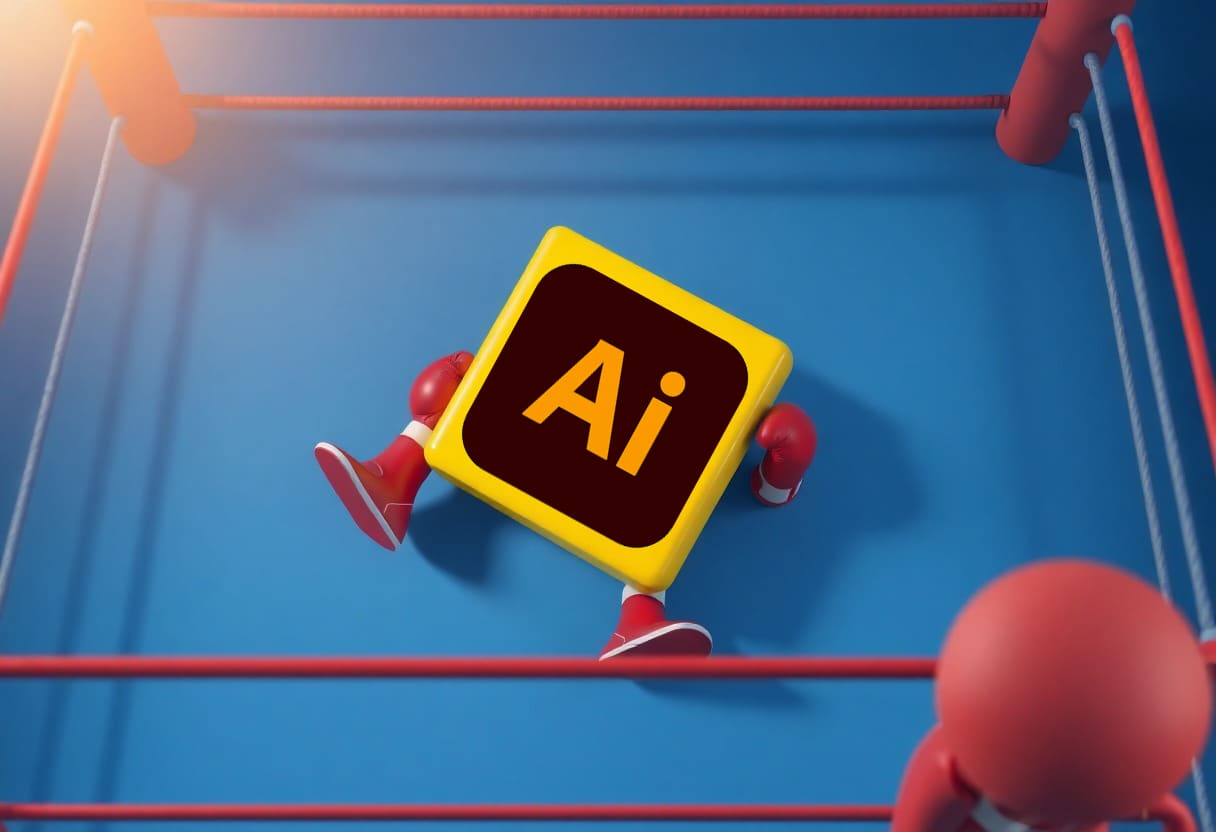
Too heavy to fight...
Funny how a tiny SVG icon can cause a massive headache.
One minute you just want to change one color.
Next minute you’re drowning in layers like it’s a mini design thriller.
But thankfully, it doesn’t have to be that way anymore.
Because with svg.design, the whole process becomes insanely simple.
You upload your SVG and click the color you want.

About the Author
I'm a vector artist and 3D designer and the founder of SVG.design. I love creating beautiful visuals and sharing what I've learned about design, productivity, and creativity with fellow artists and makers.