How to Edit SVG in Photoshop
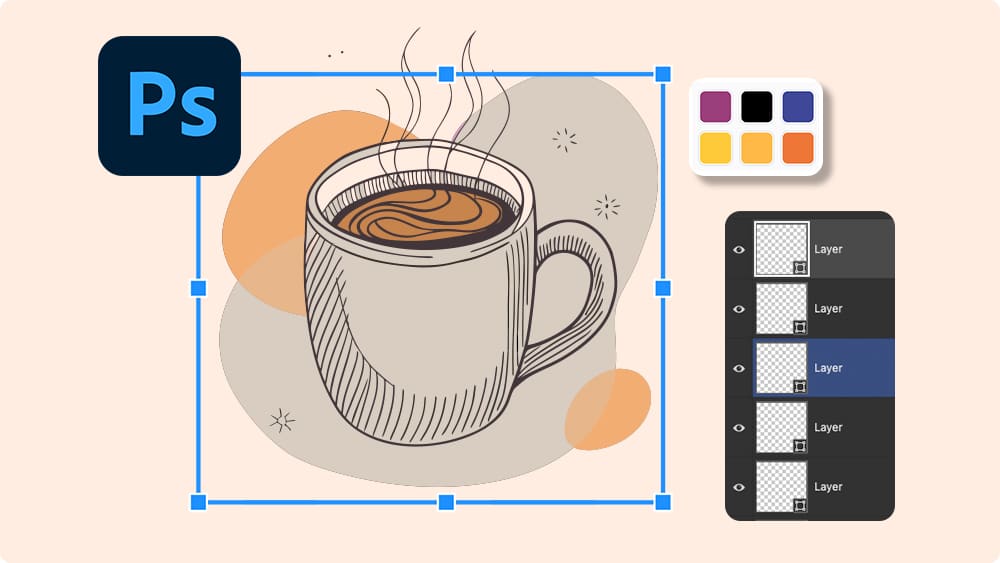
SVG is a vector format, but Photoshop is mainly a raster editor.
So when you open an SVG directly in Photoshop, it forces you to rasterize it.
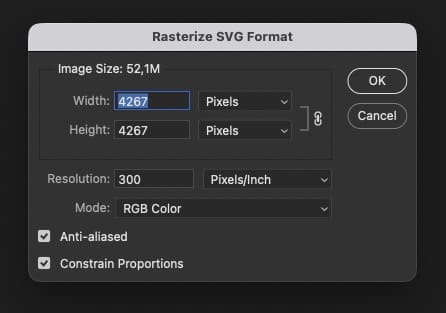
Then it imports it as a single smart by default object.
That means:
- You can’t select individual shapes.
- You can’t easily change fills or strokes.
- You can’t rearrange parts or recolor shapes.
You can scale it, but what about actually editing it?
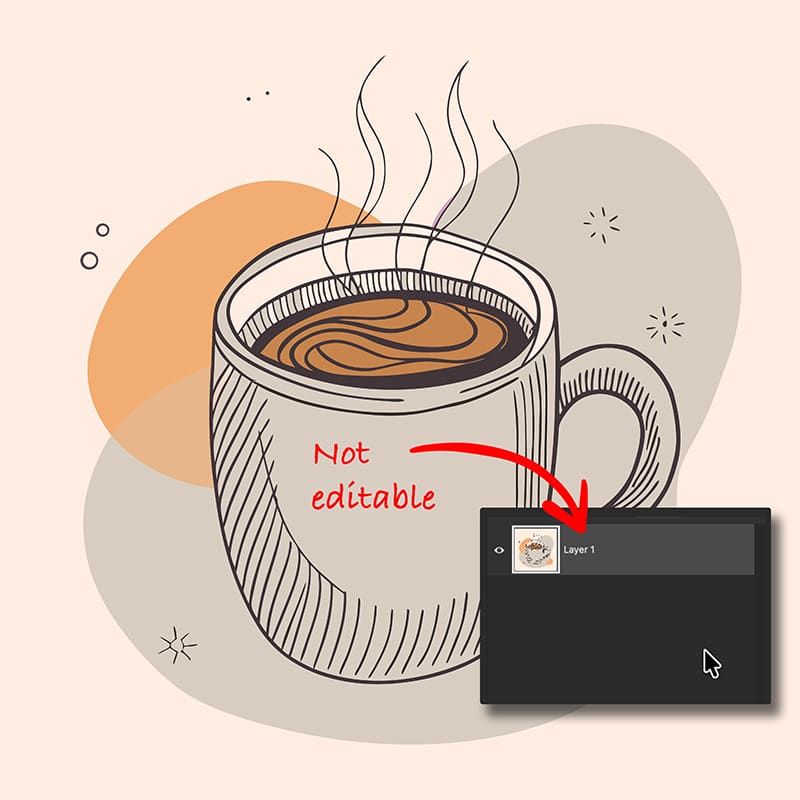
That’s where things fall apart.
And that’s exactly what this tool fixes.
Solution: Convert SVG to Layered PSD ✅
SVG Converter is an online tool that converts SVG files into other formats.
One of the most useful options is SVG → PSD.
Instead of flattening your design, it imports SVG elements into a real Photoshop shape layer.
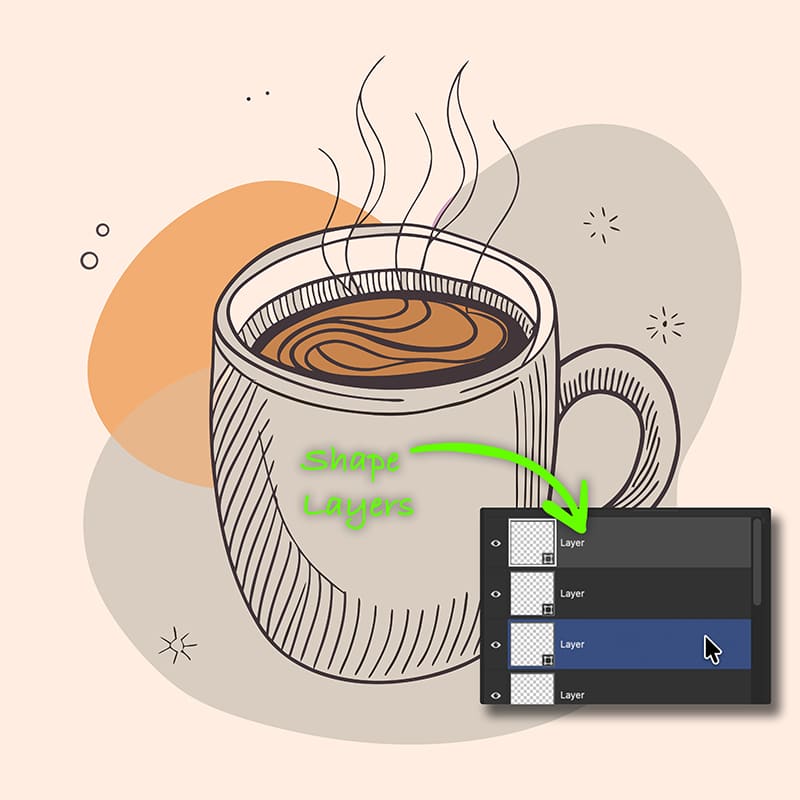
So when you open the PSD in Photoshop, you get:
- One layer per shape.
- Full vector SVG paths in PSD.
- Editable colors and strokes.
This means your SVG becomes a Photoshop-friendly file.
And no more no Illustrator needed.
How to Convert SVG to PSD ✨
The process takes just a few seconds.
First, go to 👉 https://svg.design/convert and upload your SVG file.
Next, choose PSD as the output format.
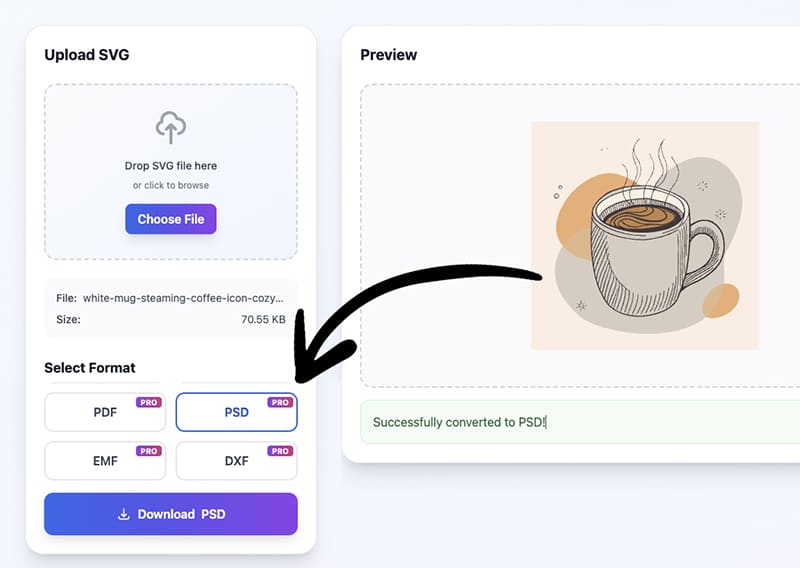
Then start the conversion and in a few seconds, you can download your new PSD file.
Open it in Photoshop, and you’ll see every element separated into layers.
Now you can edit like you normally would (thanks for nothing Photoshop)
What You Can Do After Conversion ⚙️
Once your SVG is a layered PSD in Photoshop, everything feels familiar again.
You can:
- 🎨 Change fill colors of shapes.
- ✏️ Edit vector paths with shape tools.
- 📐 Resize without losing quality.
- 🗂️ Reorder all the layers.
- 🖌️ Add effects, textures, or shadows.
- 🧩 Combine vectors with photos and raster designs.
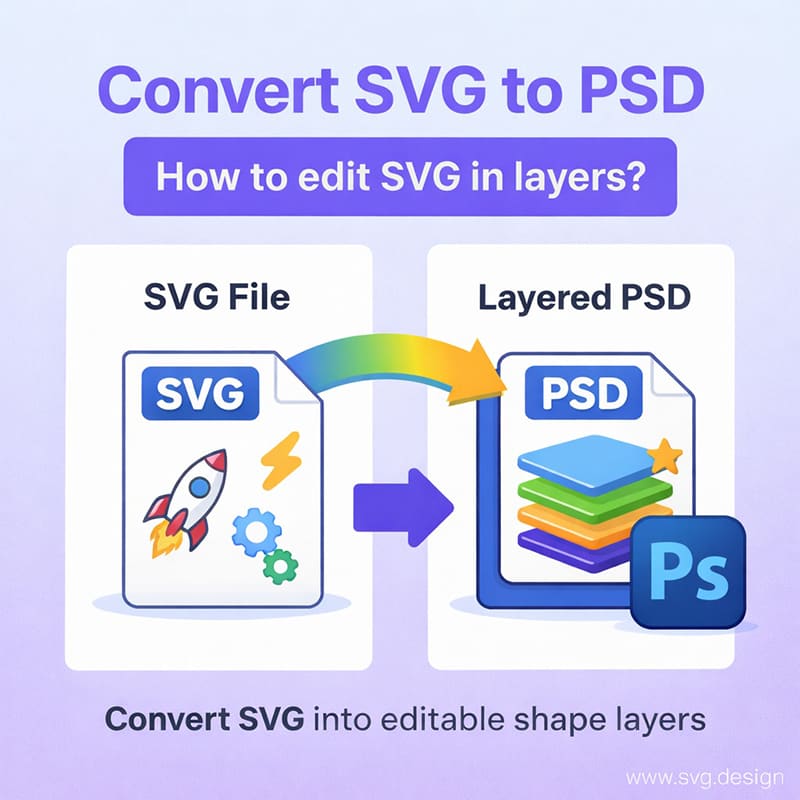
And because they’re shape layers, they also stay sharp at any size.
Why This Is Better Than Other Workflows
Normally, people try to:
- Open SVG in Illustrator first.
- Then copy and paste into Photoshop using shape layers.
That’s slow and it assumes you are also paying for Illustrator.
With SVG Convert Tool you skip all of that.
Just upload your SVG and download a PSD.
It’s faster, simpler and made for people who live in Photoshop (like myself)
The Big Benefits You Can't Ignore ✅
Here’s what you really get:
⚡ Fast Conversion
SVG to layered PSD in seconds.
🖼️ True Vector Layers
Every shape stays editable, so you can edit or remove backgrounds.
💻 Photoshop Friendly
Works exactly how you expect in PSD.
🚫 No Illustrator Needed
Everything happens online so you don't need Illustrator for editing.
🎯 Easy Workflow
Upload, convert, open and directly edit in Photoshop.
Welcome Back, Real Layers 🎉
That one giant SVG smart object in Photoshop is not your friend.
It looks helpful at first but the moment you want to edit it, it all breaks down!
But now you finally have a better option.
You just upload your SVG to the converter, and open it in Photoshop like any normal design.
That’s all it takes.
Every shape shows up as its own layer and every color is easy to tweak.
And every path stays fully editable.
And now don’t need Illustrator to open an SVG

About the Author
I'm a vector artist and 3D designer and the founder of SVG.design. I love creating beautiful visuals and sharing what I've learned about design, productivity, and creativity with fellow artists and makers.