How to Create a 3D Snowflake
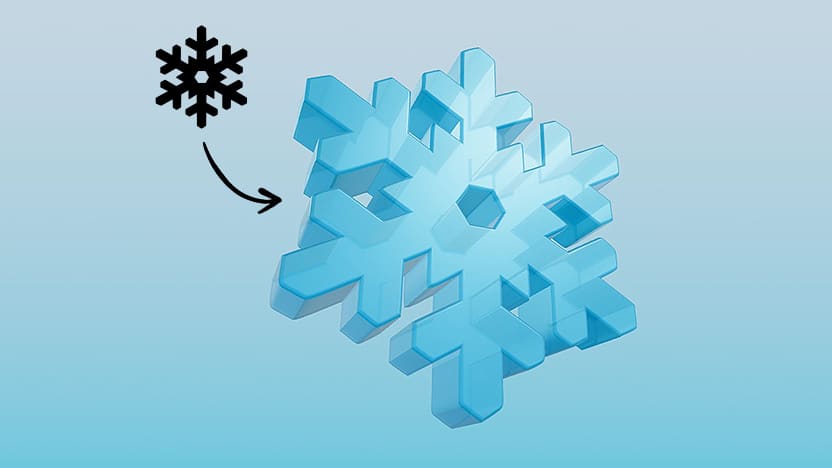
Snowflakes are one of those designs that never go out of style.
Every winter, they show up everywhere because they’re simple, iconic, and instantly recognizable.
No two snowflakes look and this tiny fact makes them incredibly fun for designers.
So when you want a snowflake that feels unique and actually yours, making it in 3D suddenly becomes the smarter move.
Because instead of using the same flat clip-art everyone else grabs, you can now generate a custom 3D snowflake in seconds.
And thanks to svg.design, the process is easier than ever.
If you’re ready, let’s actually make one.
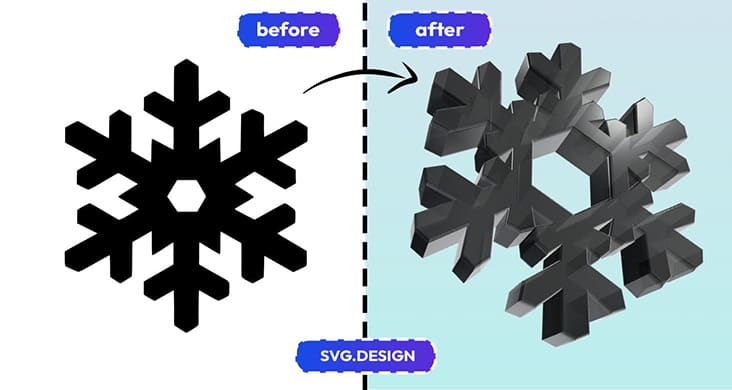 Step 1: Choose or Create Your Snowflake Outline 👇🏼
First, head over to SVG.design and browse the snowflake vectors.
There are tons of clean, symmetrical snowflakes ready to use.
But if you’re feeling creative, you can also make your own snowflake in literally any vector editor.
 Draw or create a snowflake, and make sure to export it as an SVG.
Step 2: Upload It to the 3D Maker ✅
Next, go to svg.design/3d
And then simply upload your snowflake SVG.
There is no complicated UI that makes you want to uninstall life.
 It loads instantly and converts your snowflake into a 3D object right away.
Step 3: Customize the 3D Snowflake ⚙️
Now the actual fun part starts.
Because you can tweak everything in real time.
You can extrude it to make the snowflake thick or thin.
NB: if you need to make adjustments to your vector (e.g. remove elements), you can easily do it in the online SVG editor, before you convert to 3D.
You can bevel the edges to get that premium icy look.
You can adjust colors and shading.
You can even switch materials to metallic, glass-like, glossy, frosted: whatever fits your design style.
And with every small change, the preview updates instantly.
So you always see exactly what you’re getting.
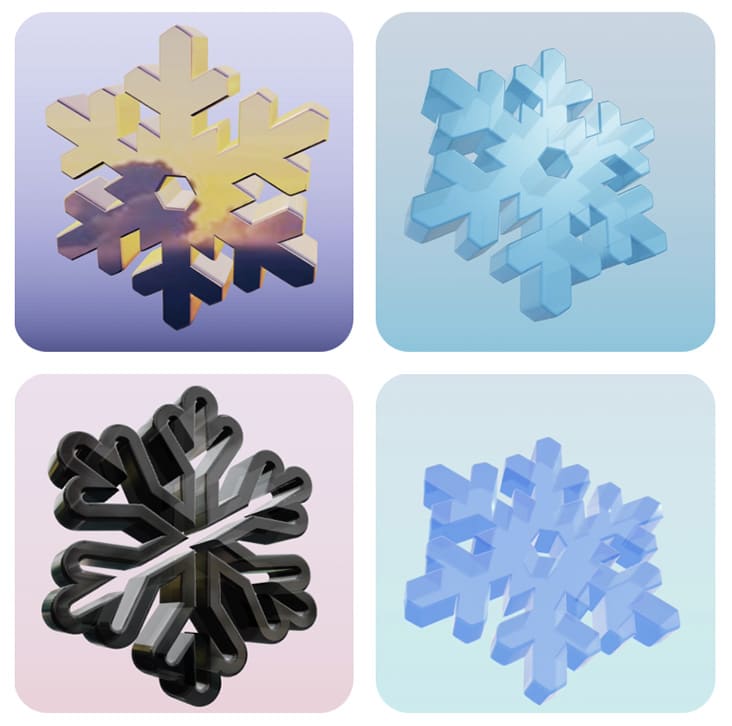 Step 4: Export Your Final Design ⬇️
Once your 3D snowflake looks perfect, you can download it in whatever format you need.
You can save it as a 3D model if you plan to use it in other 3D apps.
Or as a PNG or JPG if you need a simple image for your design.
And if you want to go even further, you can turn it into a short animated video.
It literally spins and shines like a winter decoration.
So yes you can make a 3D animated snowflake in minutes, even if you are not a 3D designer.
Why Even Use a 3D Snowflake? 🤔
Because it instantly levels up your visuals.
A flat snowflake looks nice.
But a 3D one feels premium and way more eye-catching.
You can use them for winter banners, video backgrounds, Christmas campaigns, YouTube intros, social posts, and even digital cards.
And since everything is vector-based at the start then your final 3D result looks clean too.
Let It Snow… in 3D ❄️
Snowflakes are already unique, but now they can actually look unique in your designs too.
And with svg.design/3d the whole process becomes surprisingly effortless.
You pick a vector, upload it, and suddenly you’re customizing a full 3D model like it’s nothing.
No heavy software and no confusing tools.
Just fast, beautiful 3D snowflakes ready for any project.
So go ahead and create the winter design you actually want!
Make a 3D Snowflake

About the Author
I'm a vector artist and 3D designer and the founder of SVG.design. I love creating beautiful visuals and sharing what I've learned about design, productivity, and creativity with fellow artists and makers.