Convert SVG to Grayscale

Most SVG files come with lots of colors, and changing them sounds boring already.
The good news is, you can turn any SVG into grayscale in seconds.
Grayscale isn’t boring... it’s practical.
You often need it for Print designs and documents or logo black and white versions.
In many workflows, you first create the color palette version, and then you also need a grayscale version.
That’s normal, and making it should be easy too.
The Easy Online Solution 👇🏼
SVG Design Editor solves this nicely.
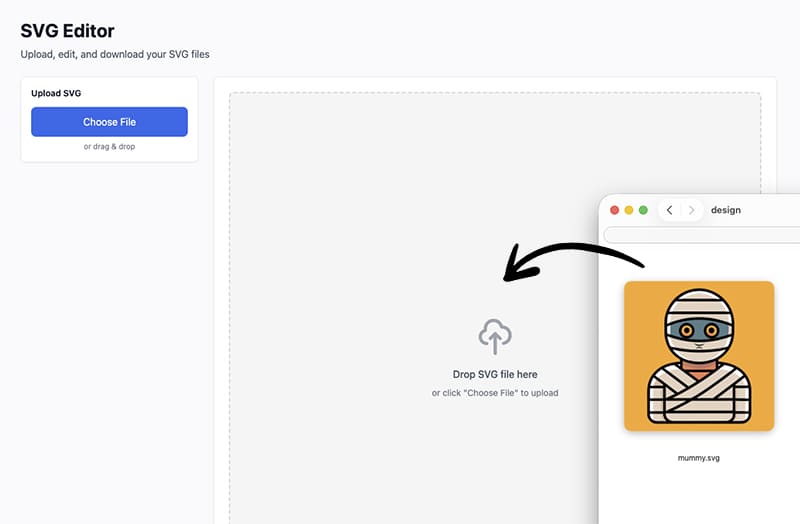
It’s a free online SVG editor that lets you open your file directly in the browser.
When your SVG loads, the editor automatically collects all the colors used in the file.
So instead of guessing, you instantly see every color in one place.
From there, you can:
- 🎛️ Shuffle all the colors all at once.
- 🎨 Change each color individually.
- 🖤 Replace them with grayscale tones.
That makes grayscale SVG conversion fast and actually fun.
How to Make SVG Black and White
Here’s how simple it is.
First, go to 👉 https://svg.design/editor and upload your SVG file.
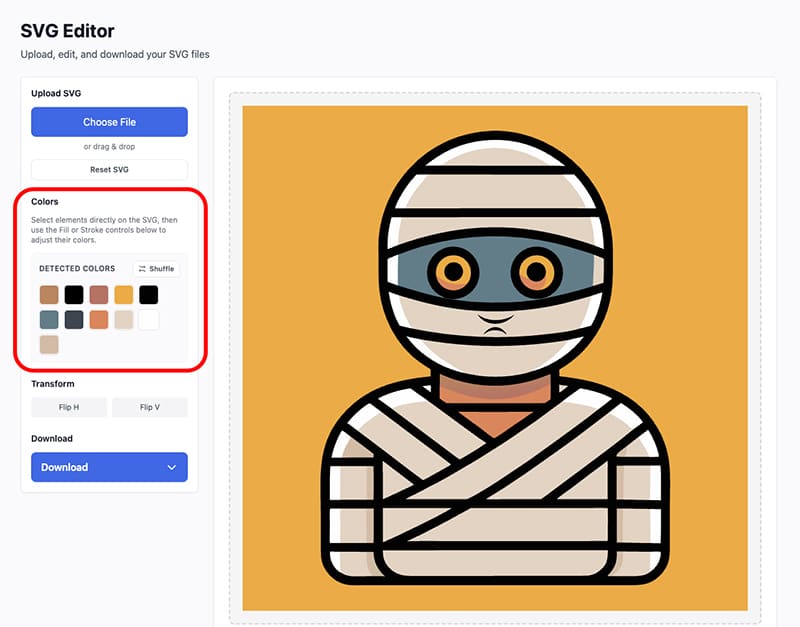
Once it loads, you’ll see your design and the extracted color palette with all the colors used in the SVG.
Now you have two easy options.
Option 1: Change Colors One by One
Click any color in the palette and replace it with a gray tone.
Repeat until everything looks right.
This is perfect if you want control.
Option 2: Shuffle and Adjust
Use the shuffle option to quickly mix colors.
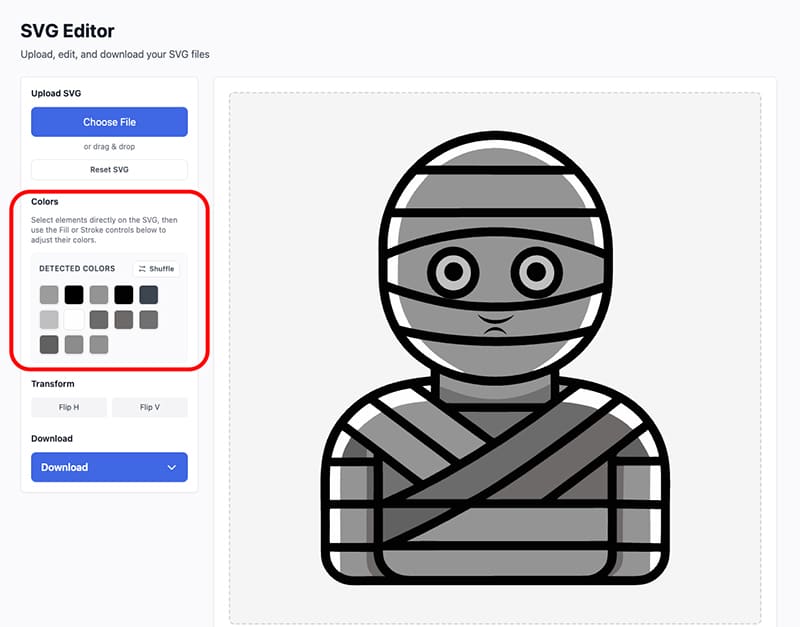
Then tweak them into grayscale shades.
This is great if you want a fast starting point.
As you change colors, you also see the result instantly on the canvas.
When it looks good, just download your updated monotone SVG.
Why This Editor Makes It So Easy ✅
Most editors make you click shapes one by one.
SVG Design Editor flips that around.
It shows you the colors first, so instead of chasing elements, you simply manage colors globally.
That means:
- ⚡ Faster SVG edits.
- 🎯 No missed shapes.
- 😌 Way less frustration.
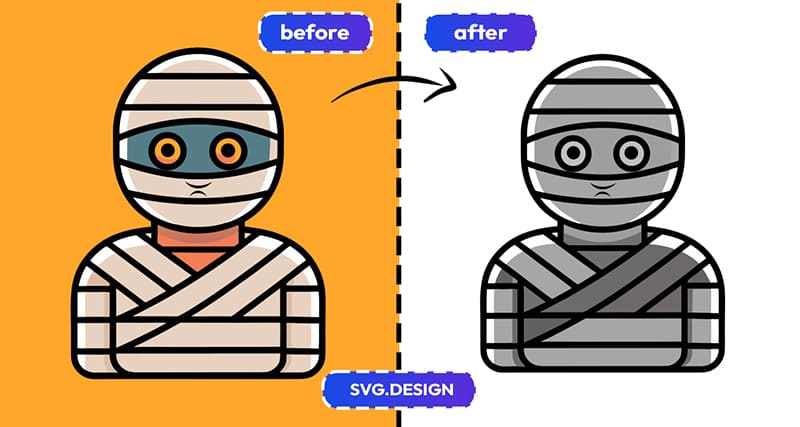
And because everything stays vector, your SVG remains sharp at any size.
When Would You Use This? 🤔
You’ll find this useful if you:
- Need black and white logo versions.
- Prepare files for print.
- Create dark or light design themes.
- Test contrast for accessibility.
- Want a minimalist look.
- Clean up or optimize SVG files.

Any time a color becomes a problem... grayscale becomes the solution.
The Big Benefits You Can't Ignore ✨
Here’s what you really get:
⚡ Fast Editing
Upload and edit in seconds.
🖤 Full Grayscale Control
Change every color easily.
🎛️ Color Palette View
See all SVG color palettes in one place.
💻 Online and Free
No software, download or signup needed.
🖼️ Still Vector
Your file stays clean and scalable.
Fifty Shades of SVG 😄🖤
Your SVG doesn’t always need to be colorful.
Sometimes, it just needs to relax in grayscale.
So go ahead, upload your SVG file and change those colors.
Enjoy the clean, minimal grayscale look.

About the Author
I'm a vector artist and 3D designer and the founder of SVG.design. I love creating beautiful visuals and sharing what I've learned about design, productivity, and creativity with fellow artists and makers.