How to Save Image as SVG
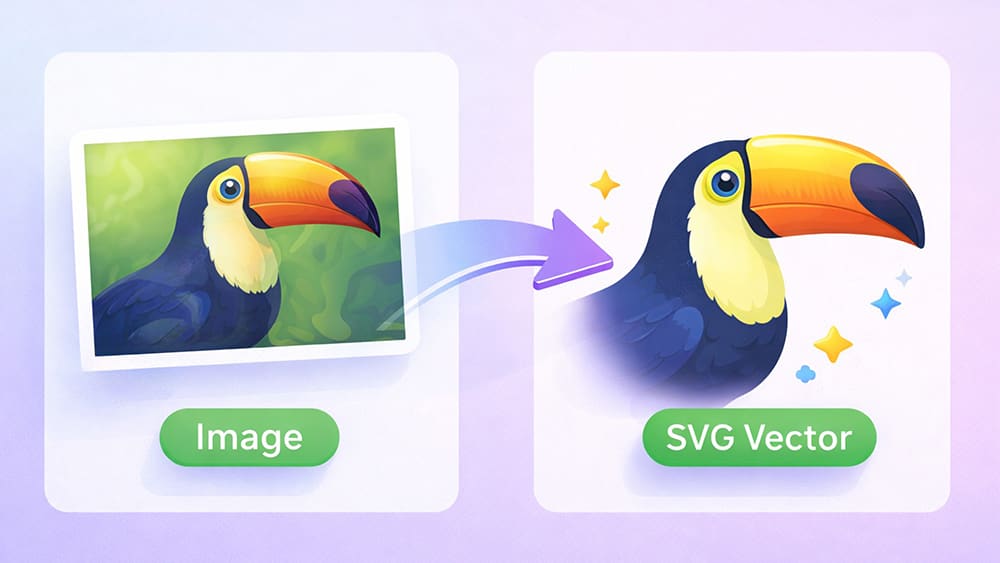
SVG stands for Scalable Vector Graphics.
So instead of pixels, SVG files are made from points, shapes, lines and curves.
That means an SVG can be scaled infinitely without losing quality.
That is why many people search for how to save an image as SVG, even if they are not designers and have never opened Illustrator in their life.
They just want their image to stay sharp, mostly to optimize for printing.
This is why SVG is widely used for logos, web graphics, UI icons, and print designs.
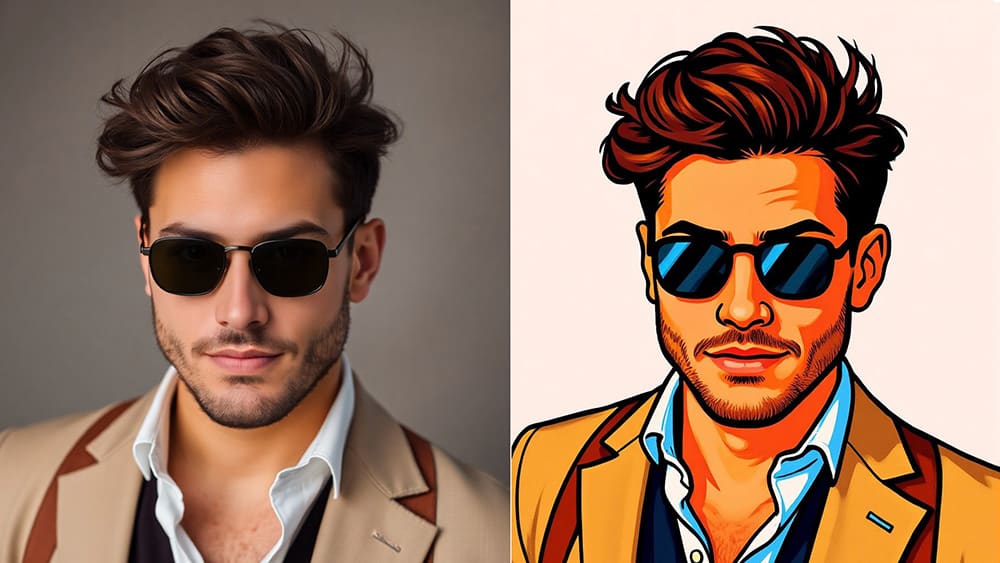
So when people say “save image as SVG,” what they really mean is this:
They want to convert a normal image into a vector graphic.
The Old Way: Why Illustrator Scares Beginners ❌
Traditionally, converting images to SVG meant using tools like Illustrator.
You had to install it, buy a subscription, learn vector tracing settings, and edit paths manually.
For beginners, that feels overkill for a simple project.
And for quick design tasks, it is simply unnecessary.
Most people do not want to become vector experts.
They just want a clean SVG file that works.
That is where an online solution makes much more sense.
The Easy Solution: Save Image as SVG Online ✅
With the Vectorize Tool, converting images to SVG becomes simple and beginner-friendly.
The idea is simple and straightforward.
You upload an image and choose how you want it vectorized.
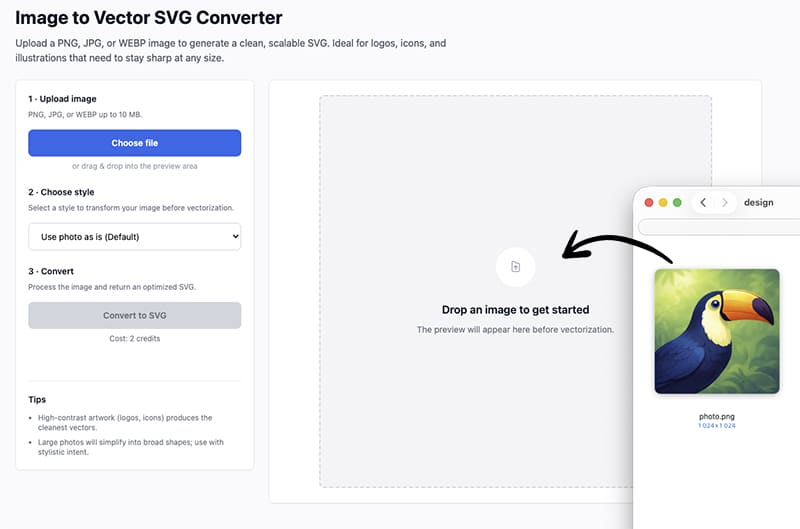
Convert it to vector "as is" or choose an artistic vector style.
Then preview the result and download your SVG instantly.
No installs or downloads needed.
How to Save Any Image as SVG 👇🏼
First, upload your image to the Vectorize Tool.
This can be a real photo, a raster logo, an icon or a simple drawing.
Next, choose a vector style, like flat vector, coloring page etc for clean graphics.
Then, generate a preview which will only take a few seconds.
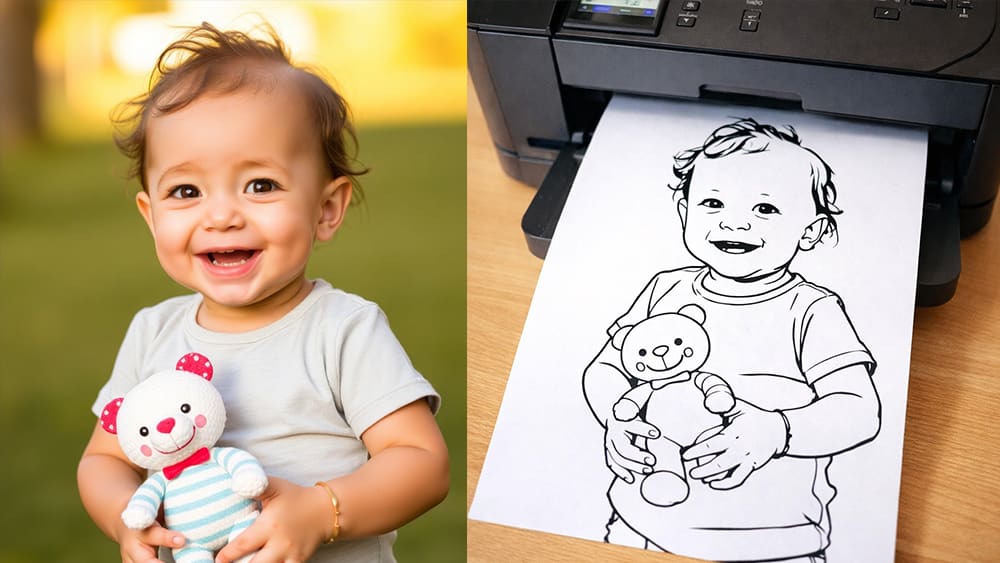
This step is important because you immediately see how the SVG will look before vectorizing it.
Finally, click vectorize and download your SVG file.
Choose a Style to Make Vectorizing More Fun
One of the biggest advantages of using an online tool like svg.design is flexibility.
You are not locked into a single tracing result.
Instead, you can experiment with different styles depending on your goal.
If you need a simple logo style SVG - then use flat vector.
Want something creative for posters or illustrations - then try artistic styles.
Working on diagrams or technical visuals - then go with technical drawing.
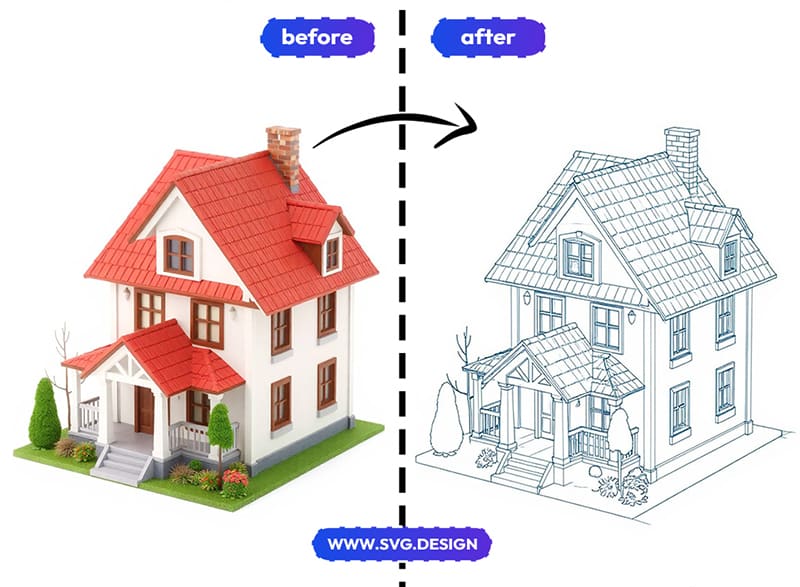
So you are not just saving an image as SVG, but you are changing how that SVG is created.
Why Should I Save Image as SVG?
There are many practical reasons.
You might want to:
- Turn a logo image into a scalable vector
- Convert icons for web or app design
- Prepare graphics for printing at any size
- Clean up drawings or sketches
- Optimize vector graphics for websites
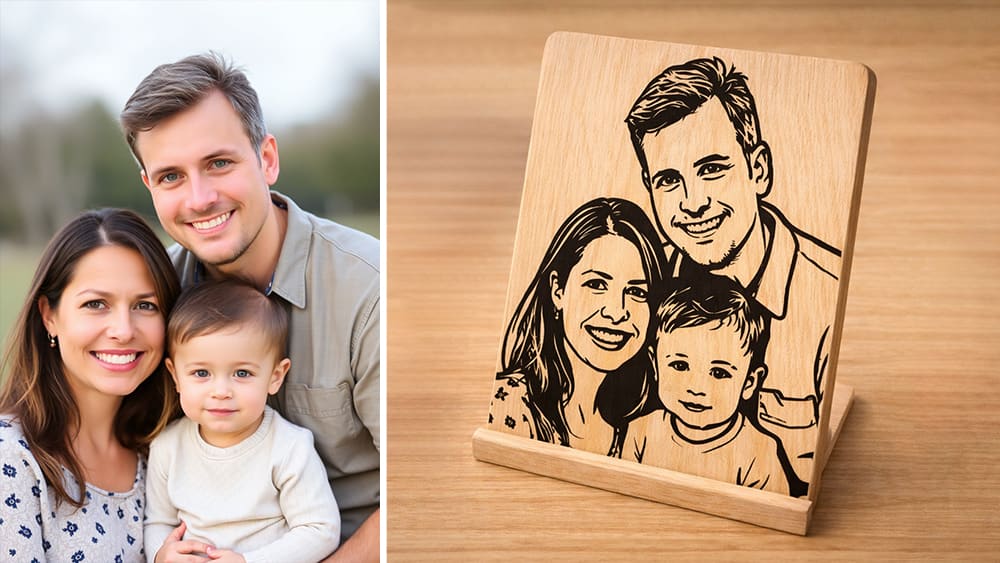
In all these cases, SVG gives you more control and better quality.
Why It's Ideal for Beginners 👍
svg.design focuses on simplicity.
Everything happens in the browser.
You do not need to understand paths, anchors or even layers.
You just upload, preview and download.
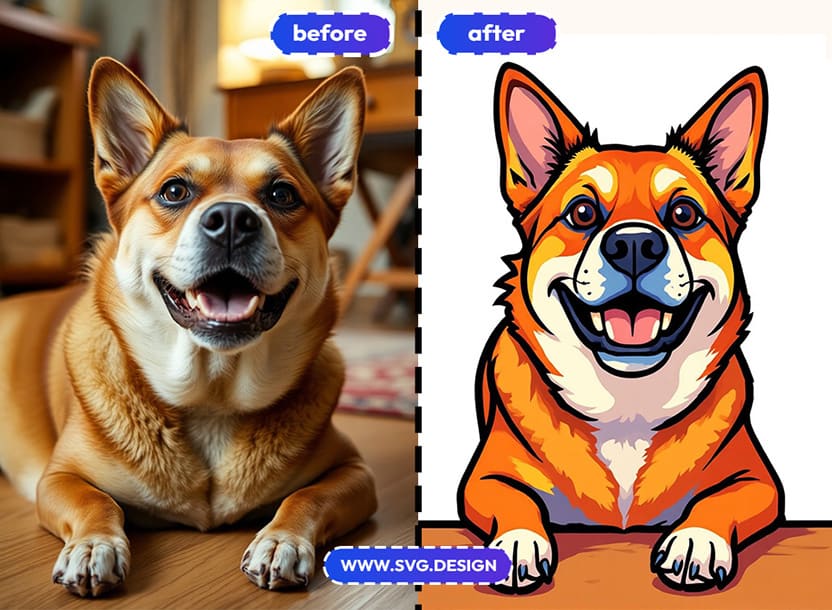
And because it works online, you can use it on any device.
That makes it perfect for beginners, marketers, developers, and creators who just want fast vector conversion.
Goodbye Pixels... Hello Paths! 👋
Saving an image as SVG does not need to be complicated.
You do not need Illustrator and you do not even need tutorials.
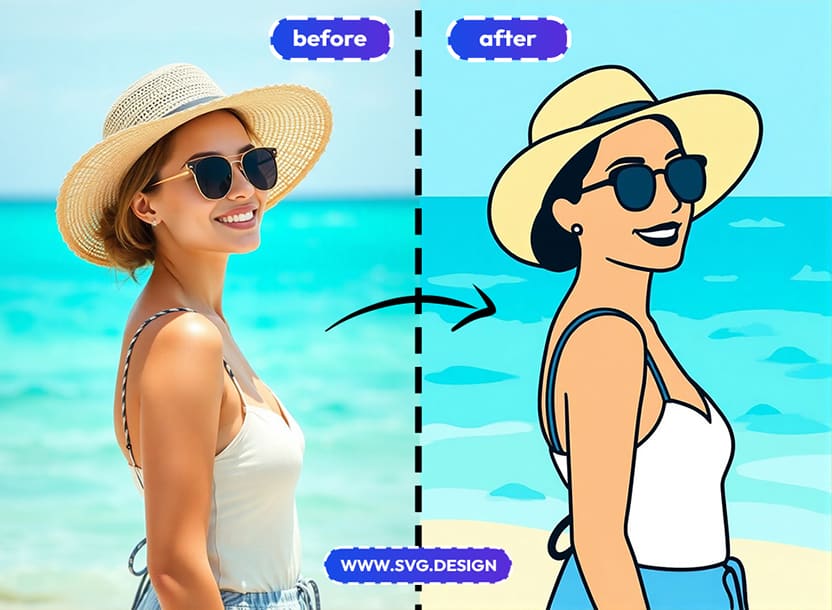
With the Online Vectorize Tool you can turn images into vector graphics in seconds.
Choose different AI Powered styles and download clean SVG files ready for real use.
Simple steps, and zero stress to save image as SVG.

About the Author
I'm a vector artist and 3D designer and the founder of SVG.design. I love creating beautiful visuals and sharing what I've learned about design, productivity, and creativity with fellow artists and makers.