6 Best AI Vector SVG Generators Compared
AI image and video models have exploded in the few past years.
However, when it comes to vector generation, then options are still quite limited.
Because most AI tools only output raster images...
and converting a raster into a clean SVG has always been a challenge.
So if you are looking for the best AI vector generators, then this guide compares the leading tools that can actually produce editable vector files.
Let’s compare the best models of 2026:
1. Adobe Firefly: A good AI Vector Generator but With Questionable SVG Output
Adobe entered the AI vector space by adding Firefly vector generation features inside Illustrator and the online tool.
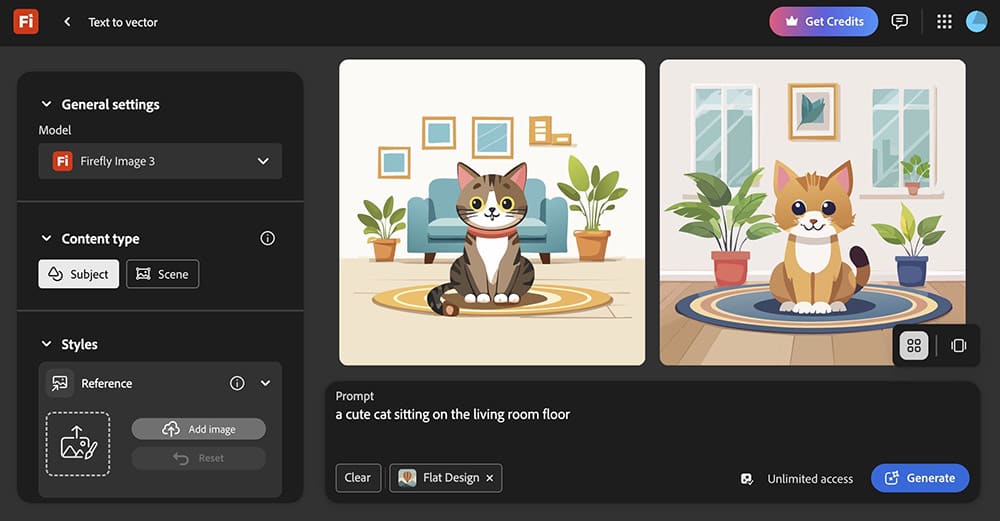
Firefly lets users create vector shapes, icons and patterns from prompts.
It's great for beginners, because Firefly also includes some free credits.
And it is convenient for the millions of designers already using the Adobe tools.
Pros:
- Built into the Adobe tools.
- Easy and feature-rich prompting workflow with examples.
- Quite fast generation time.
- Create 4 SVG images at same time
Cons:
- Generated SVGs are low quality
- SVG output is extremely unoptimized (1-3MB for a vector file is too big)
- Paths are messy and extremely difficult to edit
- Heavy SVG cleanup required for production use
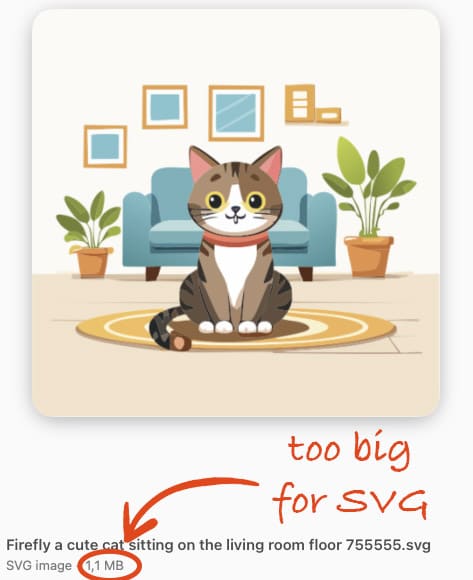
So while Adobe Firefly is useful for inspiration, then it is not currently the best choice for anyone needing instant and clean vector files.
Keep reading for some better alternatives.
2. VTracer: Free SVG Converter (Not a Generator)
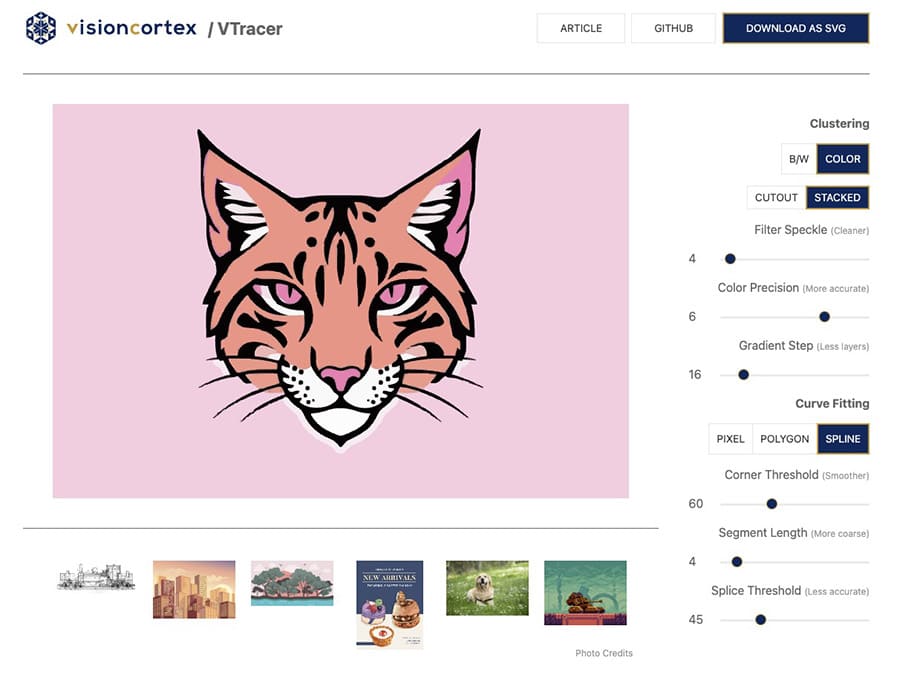
VTracer is another hugely popular tool in the vector world, but it works very differently.
Instead of generating vectors from scratch, VTracer converts existing images into SVGs.
Pros:
- Free to use (for advanced users)
- Simple conversion workflow when you get it working
- Good for trace-style effects
Cons:
- Not an actual text to vector AI generator
- Quality depends on the source image
- SVG output resolution is limited
If you need conversion from PNG/JPG to SVG, then VTracer is a nice free option, but the SVG Converter might be a better option.
3. Recraft: The Most Advanced AI Vector Generator Available
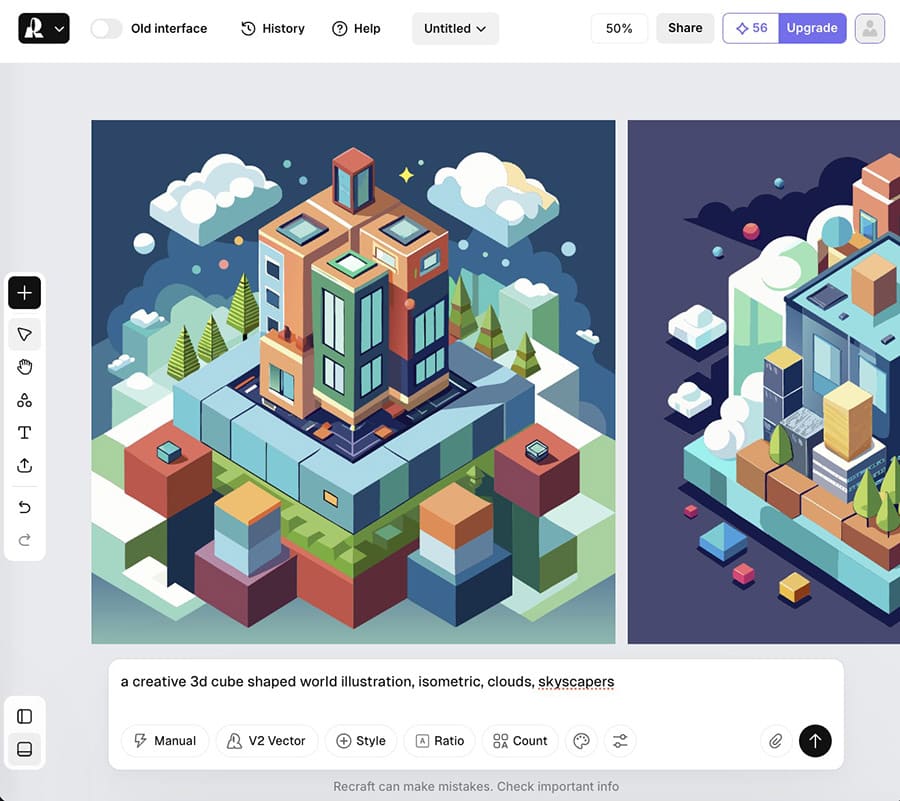
Recraft has quietly become the strongest AI vector generator currently available.
Unlike other tools, Recraft produces real native SVG vectors, not raster images.
It is fast, editable, precise and also highly optimized, which is why designers love it.
Pros:
- True vector AI generation
- Clean and minimal SVG paths
- Very optimized output (small file sizes)
- Ideal for icons, illustrations, branding, UI graphics, and patterns
- Ultra fast generation time (5-9 seconds per SVG)
Cons:
- Model access depends on platform integration
- Quite costly per SVG
Recraft is currently the top of the vector AI space because it is the first model that treats vectors as vectors and not as a post-processing step.
4. SVG.design: Vector Generator + Instant Vector Editing Tools
SVG.design/ai offers vector generation powered by the Recraft model.
However, the platform does more than just generate vectors, because it combines multiple AI workflows into one tool.
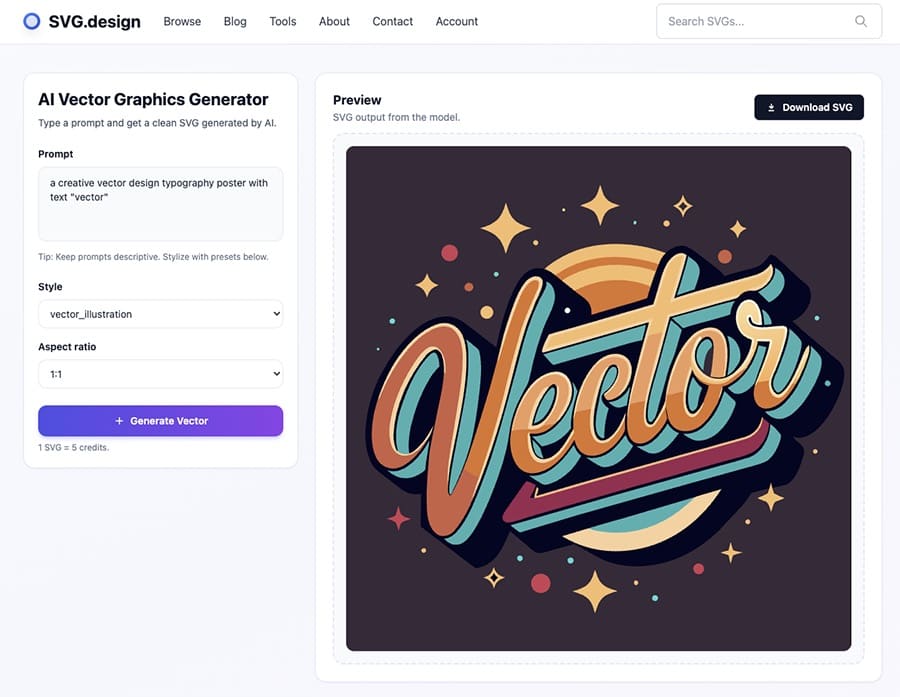
It also includes additional vector tools such as:
- SVG Vectorizer and optimization
- Online vector editing
- Color modifications
- Format export (for example a genius SVG to PSD converter)
This combination makes SVG.design useful not only for creating vectors, but also for cleaning, organizing and saving images as SVG.
Pros:
- Real SVG generation and converting photo to SVG(clean vector output)
- Full toolset for editing and optimizing
- Works in the browser in any device.
- Great for creators, devs and UI designers
Cons:
- Requires credit usage for generation
If you want a single workspace for vector AI workflows from prompt to export then SVG.design offers the most complete ecosystem right now.
5. ChatGPT (OpenAI) — Simple AI SVG Vector Generation
ChatGPT can also generate vector graphics directly in SVG format via the chat.
This makes it one of the few AI systems that actually outputs structured vector markup instead of raster images.
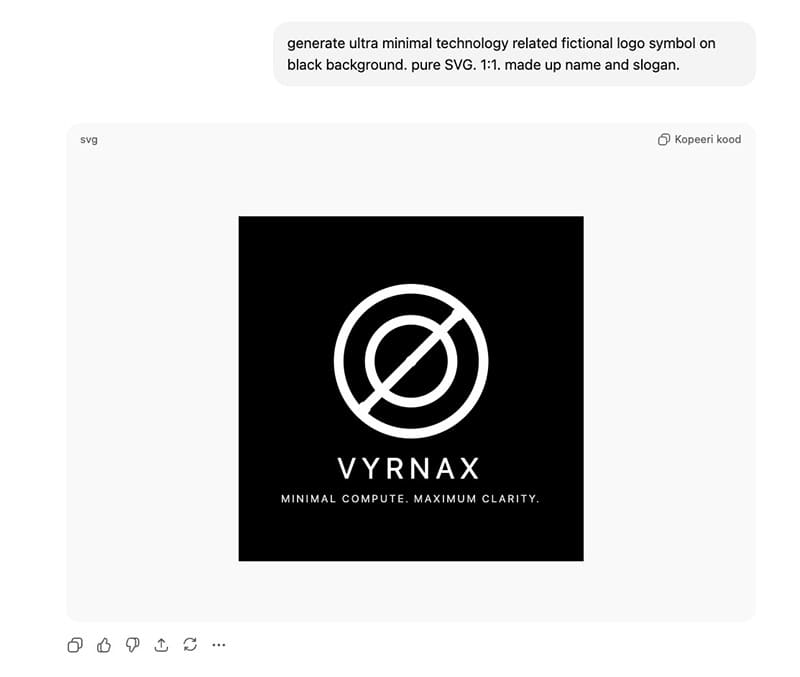
It is especially useful for quick shapes, icons, UI elements and small visual assets.
Pros:
- Outputs true SVG code
- Lightweight and editable vectors
- Fast generation time
- Great for simple icons and shapes
- Can also be used with the free account
Cons:
- Limited to very basic vector artwork
- Not suitable for full illustrations or complex scenes.
ChatGPT is impressive for simple vector tasks.
However, it currently cannot compete with specialized vector models for complex illustrated outputs.
6. Quiver.AI - Latest AI SVG Model
Quiver AI is a fresh new player in the AI design space.
Backed by an $8.3M from investors, the team is building tools focused entirely on vector graphics.
Their first model Arrow-1.0 can generate clean SVGs from both text prompts and images.
What makes Quiver especially cool is how “vector-first” the whole experience feels.
Instead of just giving you an image, the interface actually shows the SVG code in real time, along with the individual paths inside your design.
Final Verdict: Which Is the Best AI Vector Generator?
In 2026, there are still very few true AI vector generators.
Most tools still focus on raster images or video.
However, based on quality, performance, and output, here’s the ranking:
- Recraft — The best AI vector base model
- Quiver.ai - A new AI based vector generation model.
- SVG.design/ai — A complete toolset for generating + editing vectors online
- Adobe Firefly — Usable and includes free credits, but unoptimized and messy SVGs
- VTracer — Converter, not a text to image vector generator
- ChatGPT - smart, but limited to basic shapes, not illustrations.
If your goal is production ready SVGs, Recraft and SVG.design are probably the best choice for you.

About the Author
I'm a vector artist and 3D designer and the founder of SVG.design. I love creating beautiful visuals and sharing what I've learned about design, productivity, and creativity with fellow artists and makers.