How to Extrude SVG Files
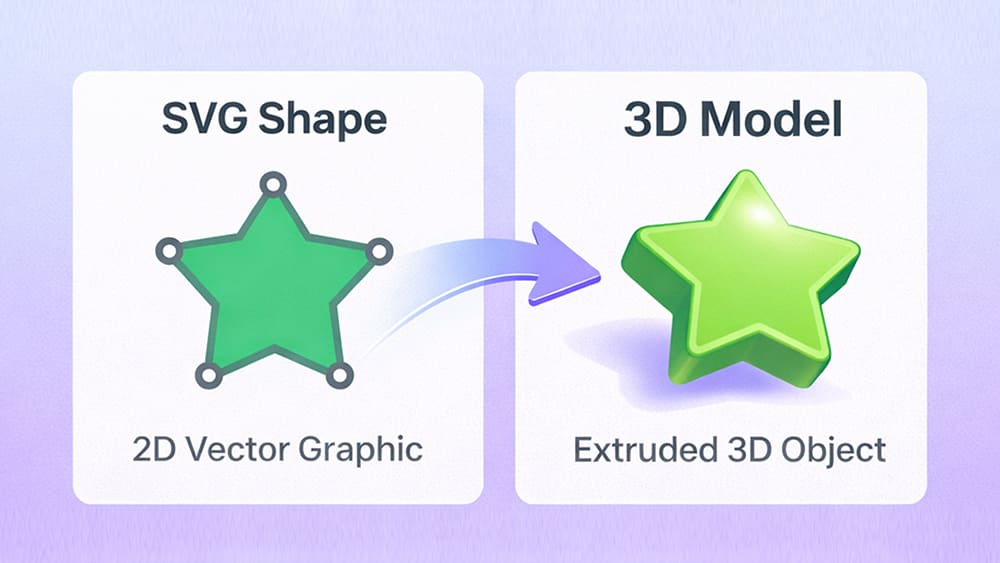
Creating 3D from extruded vector shapes usually sounds exciting.
But in reality, it often means learning heavy tools like Illustrator or Blender.
For many designers and developers, that is an overkill.
They do not want to become 3D artists.
They just want to take an SVG, add depth in 3D and use it in a quick visual.
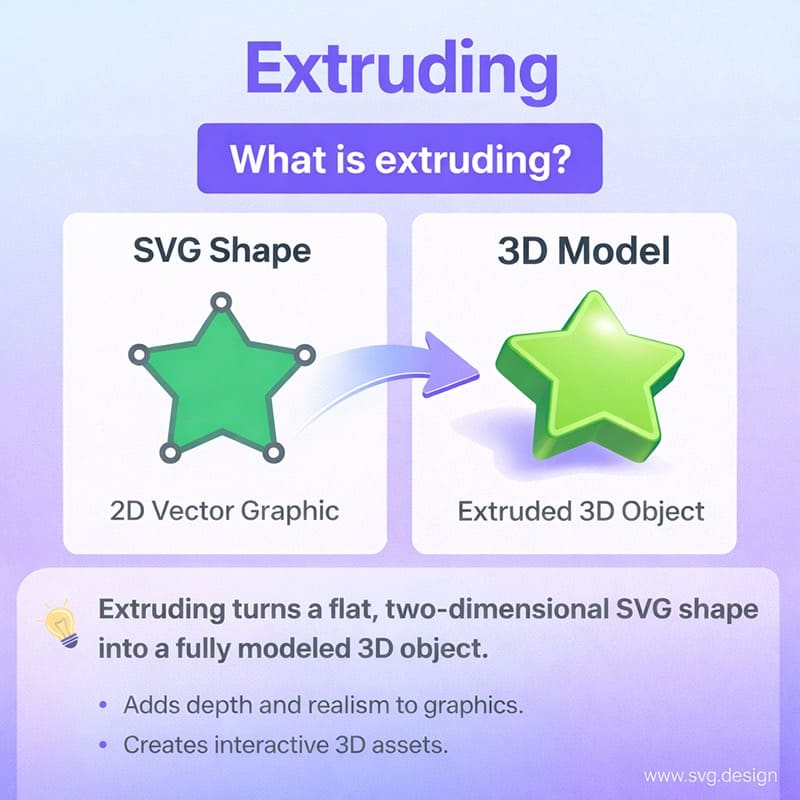
So the real problem is usually not the idea... it is the complexity.
The Easy Solution to Extrude SVG:
svg.design fixes this with a simple browser-based tool.
With the SVG to 3D tool, you can upload any SVG and instantly see it transformed into a 3D model that you can rotate, zoom, explore and even animate in real time.
No installs or even signup needed.
How the SVG to 3D Tool Works 👇🏼
First, you upload your SVG file, whether it is text converted to paths, a logo, or a custom icon.
As soon as it loads, the tool extrudes the shape and shows you a live 3D preview.
Then you can instantly start customizing.
You can control extrusion depth to decide the thickness.
You can tweak bevels to make edges sharp or smooth.
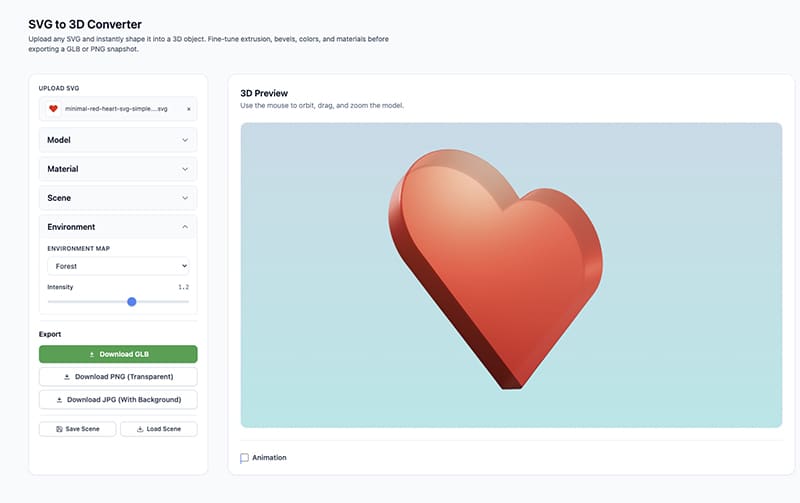
You can choose colors and materials to give it a plastic, metallic, or soft look.
You can also adjust the scene and environment, so lighting and background make your model pop.
And because everything updates instantly, you always see what you are getting.
Once you are happy, you can download the result as a GLB 3D model, or export images like PNG or JPG for previews and mockups.
It is also possible to enable animation, so your 3D SVG can rotate or move for even more impact.
Why Should I Extrude SVG to 3D?
Because depth changes everything in a flat vector file.
A flat logo looks fine, but a 3D logo feels premium.
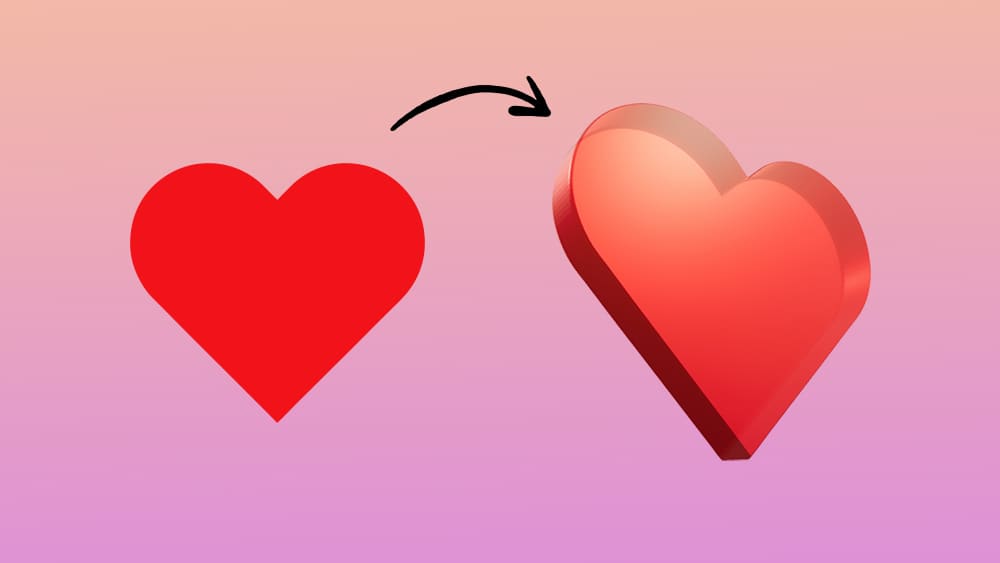
A simple icon is functional, but a 3D icon is memorable.
By turning SVGs into 3D, you instantly add realism and a new point of view to your designs.
And since you start from vectors, you keep clean shapes while gaining that extra dimension.
It is the best of both worlds.
Best Use Cases for 3D SVG Models
This tool fits many creative and practical scenarios.
🚀 Website hero sections
Use 3D logos, visuals or icons to create eye-catching hero visuals that instantly grab attention. For example turn a flat snowflake into 3D.
🎨 Branding and logos
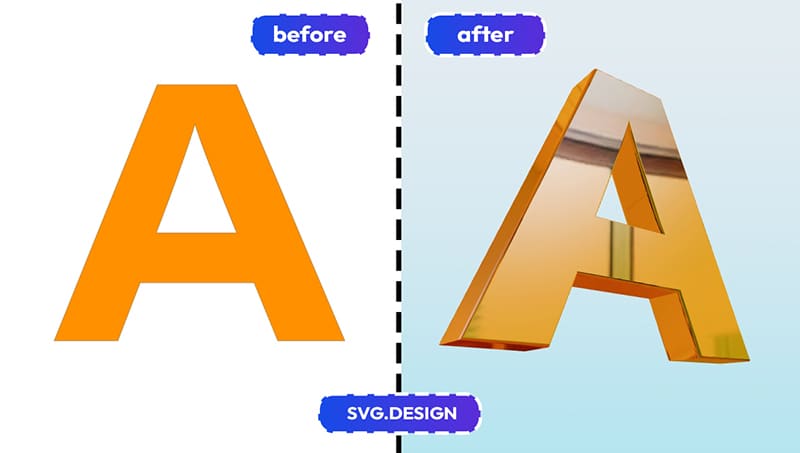
Turn flat brand logos into 3D versions for presentations, videos, and product launches.
🛍️ Product mockups
Create quick 3D previews of labels, icons, or badges for packaging and marketing visuals.
📱 App and UI visuals
Add depth to UI elements for landing pages, splash screens, or onboarding graphics.
🕶️ AR and 3D scenes
Export GLB models to use in 3D viewers, WebGL scenes, or augmented reality projects.
🎥 Social and promo visuals
Render 3D versions of your graphics to make social posts and thumbnails stand out.
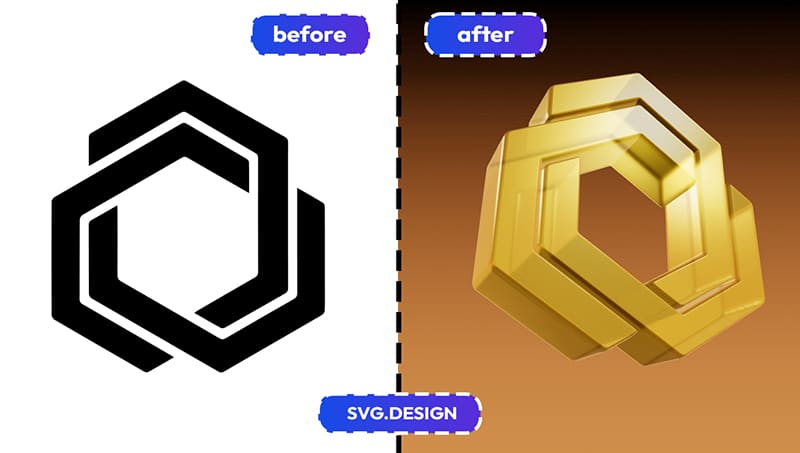
Wherever flat SVGs feel limiting... 3D can lift the whole design.
Why use svg.design for SVG to 3D
Remove all the friction of regular 3D tools.
You work online, so you can extrude your SVG from any device.
You get instant previews, so there is no guessing.
You keep full control, without any complex 3D software.
And you export production-ready files, including GLB models and an animated video.
In short, you can easily go from an SVG to 3D model in seconds.

About the Author
I'm a vector artist and 3D designer and the founder of SVG.design. I love creating beautiful visuals and sharing what I've learned about design, productivity, and creativity with fellow artists and makers.